> ## Documentation Index
> Fetch the complete documentation index at: https://docs.docwriter.org/llms.txt
> Use this file to discover all available pages before exploring further.
# Selected text and directives
> Give feedback at a passage or leave an instruction in the draft.
## Give feedback on selected text
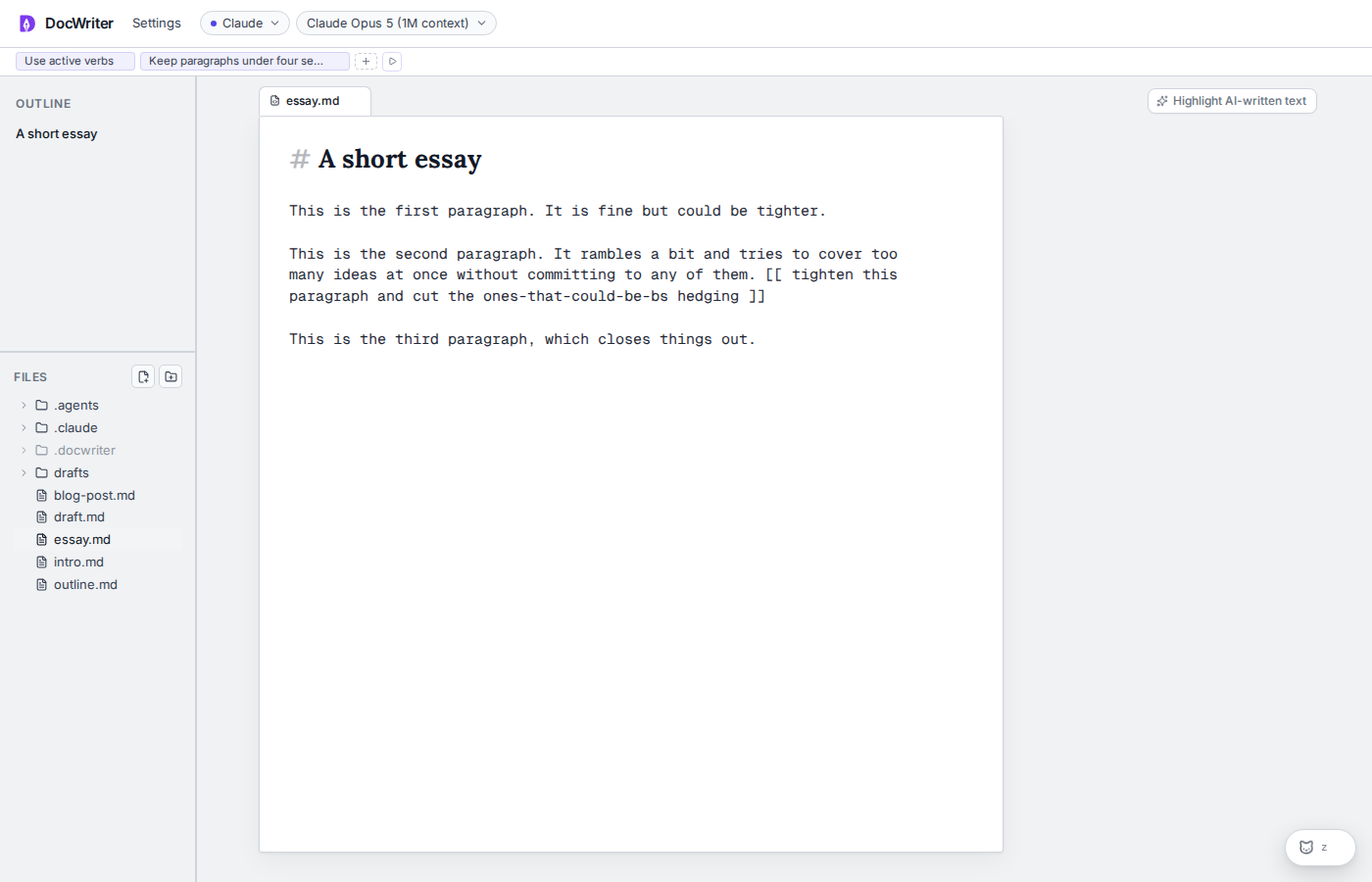
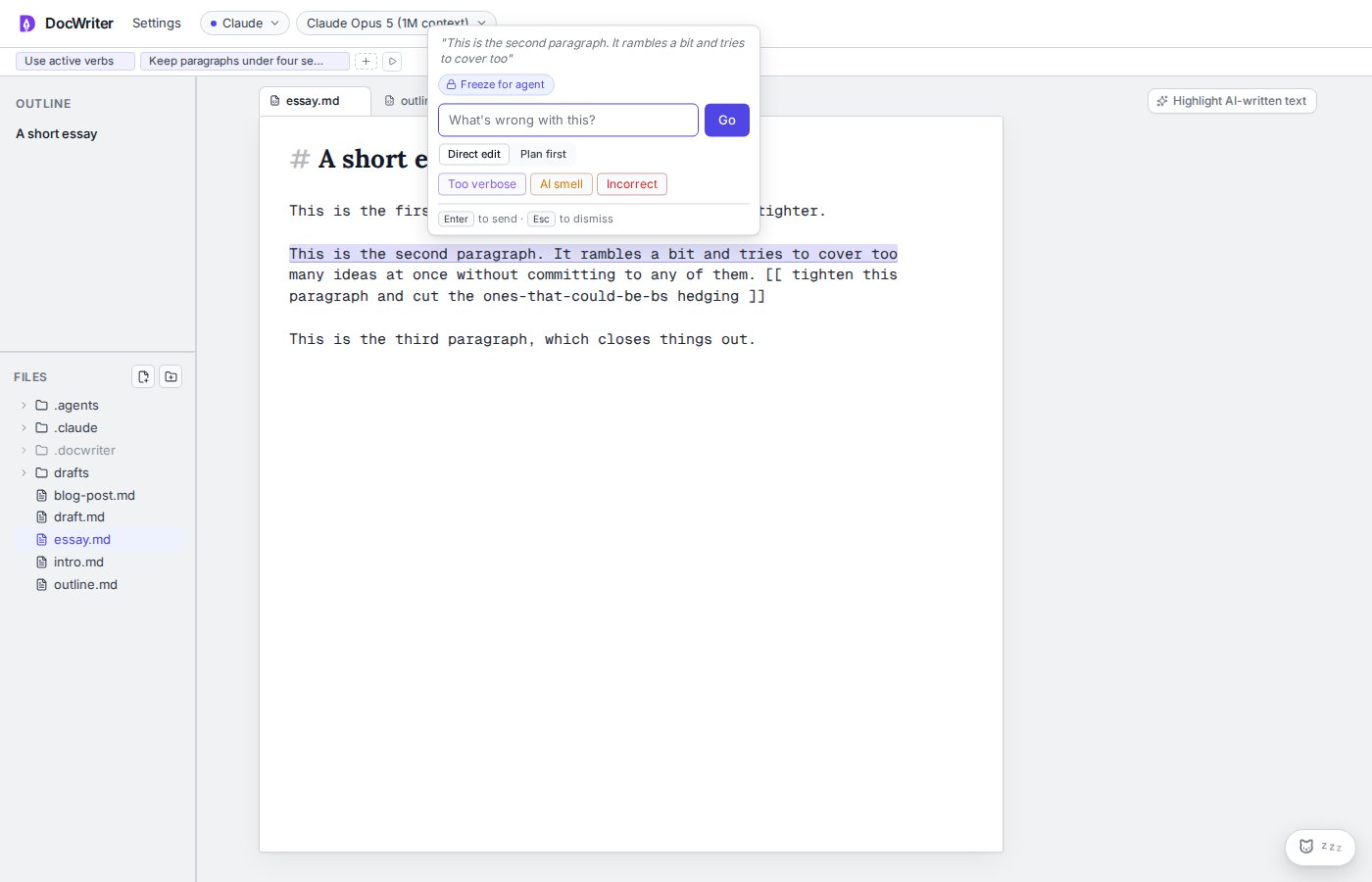
Select text to open the feedback popup. Enter a request or choose a recent action. Press **Enter** or click **Go** to send it.
**Direct edit** asks the agent to change the selected passage. **Plan first** asks the agent to explain the planned change in the thread before editing. The **AI smell** quick action always plans first.
The popup also contains **Locate in PDF** when a matching preview exists.
 ## Freeze a passage
Choose **Freeze for agent** to create a rule that protects the selected text. A lock appears beside the passage. Click the lock and choose **Unlock, allow agent to edit** when the passage can change again.
## Freeze a passage
Choose **Freeze for agent** to create a rule that protects the selected text. A lock appears beside the passage. Click the lock and choose **Unlock, allow agent to edit** when the passage can change again.
 ## Leave an inline directive
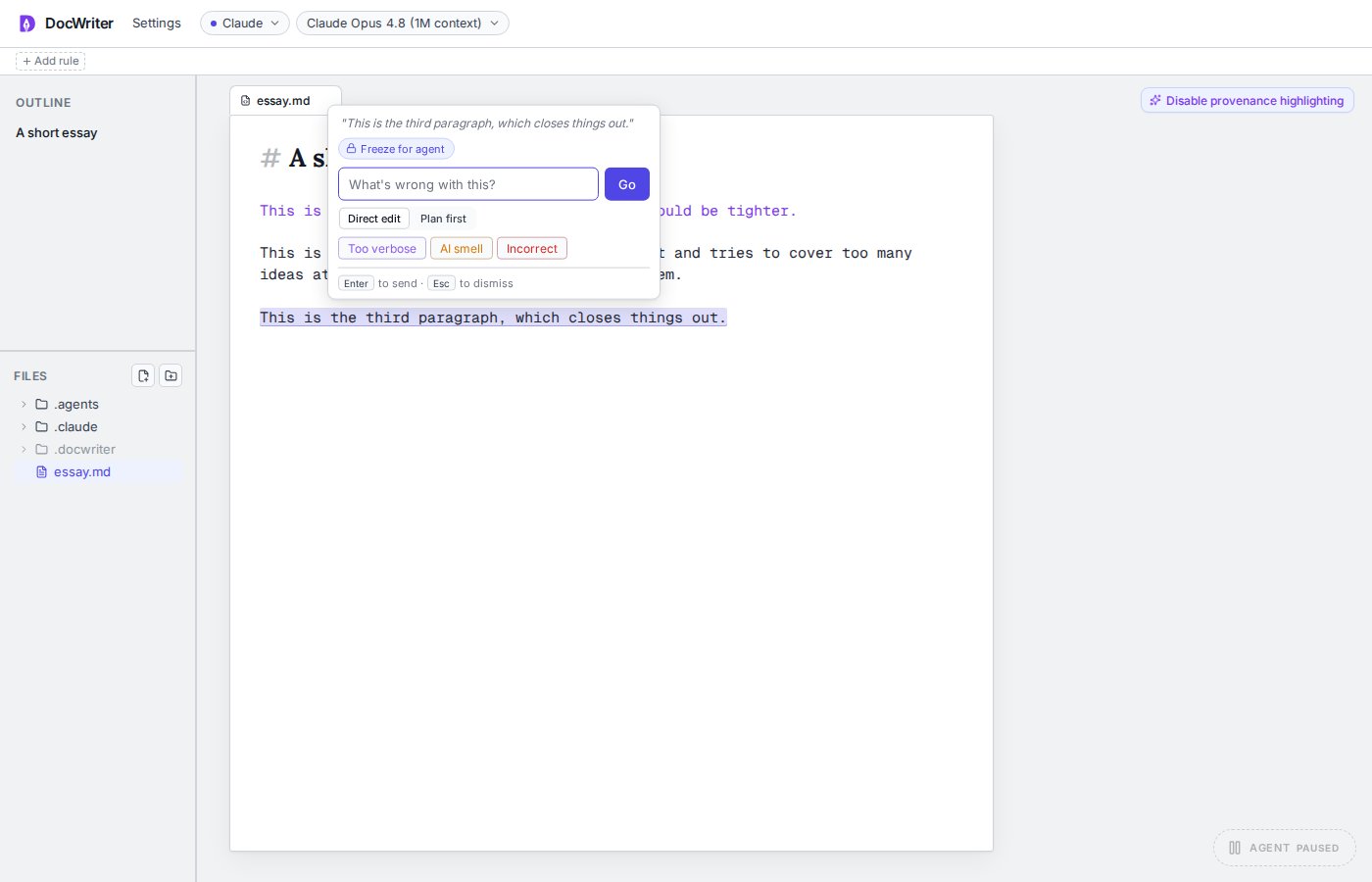
Place an instruction inside one of the following delimiter pairs:
```md theme={null}
[[ add a source for this claim ]]
(( shorten this example ))
<< check the numbers >>
```
The agent treats a directive as an explicit request. It should handle the request and remove the directive text in the same edit. The server can start one retry pass when the agent ignores a directive.
Directives remain ordinary document text until an edit removes them.
## Leave an inline directive
Place an instruction inside one of the following delimiter pairs:
```md theme={null}
[[ add a source for this claim ]]
(( shorten this example ))
<< check the numbers >>
```
The agent treats a directive as an explicit request. It should handle the request and remove the directive text in the same edit. The server can start one retry pass when the agent ignores a directive.
Directives remain ordinary document text until an edit removes them.