> ## Documentation Index
> Fetch the complete documentation index at: https://docs.docwriter.org/llms.txt
> Use this file to discover all available pages before exploring further.
# Example projects
> Use research, publishing, diagrams, and Git in a writing project.
## Research with web sources
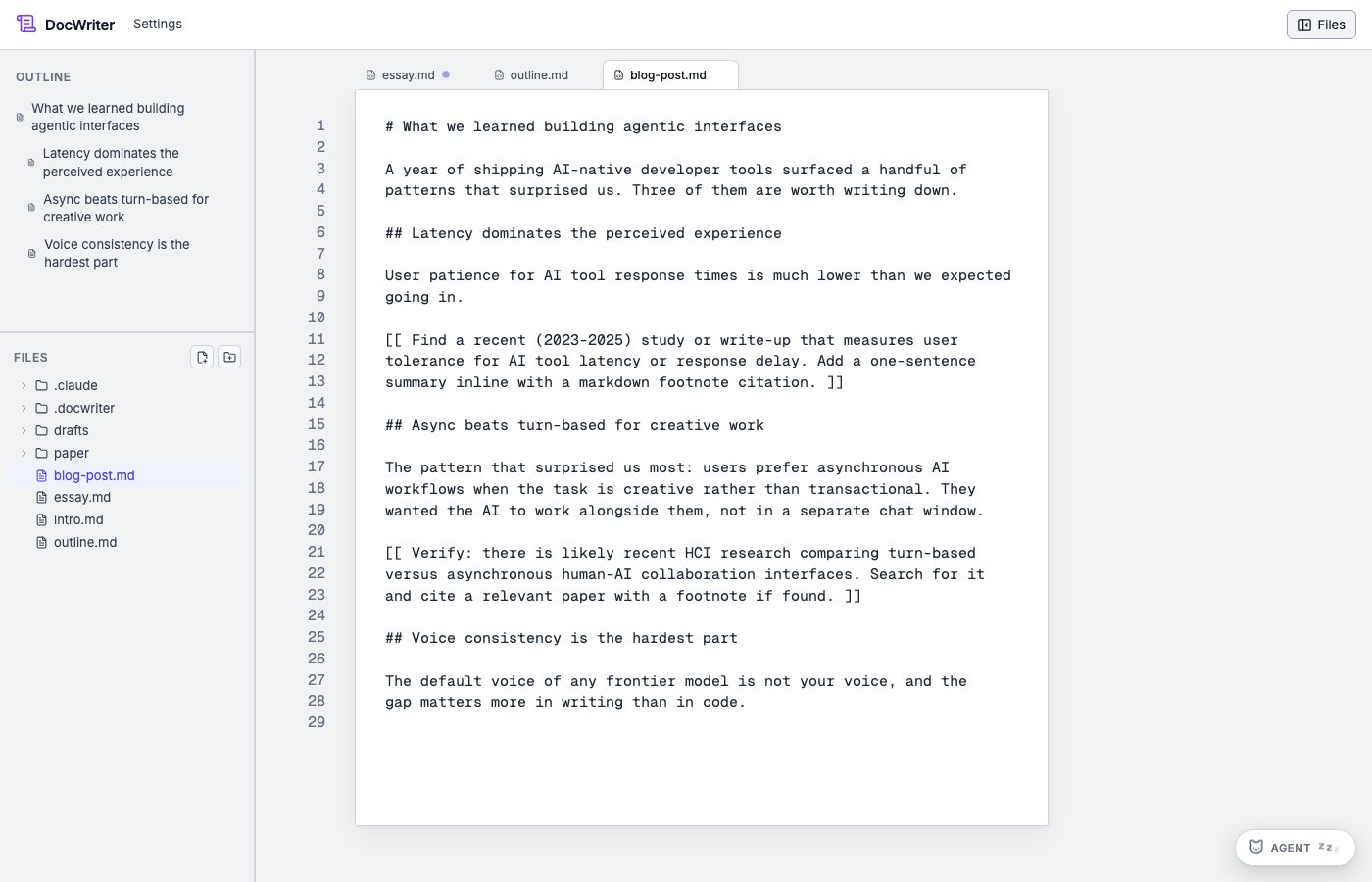
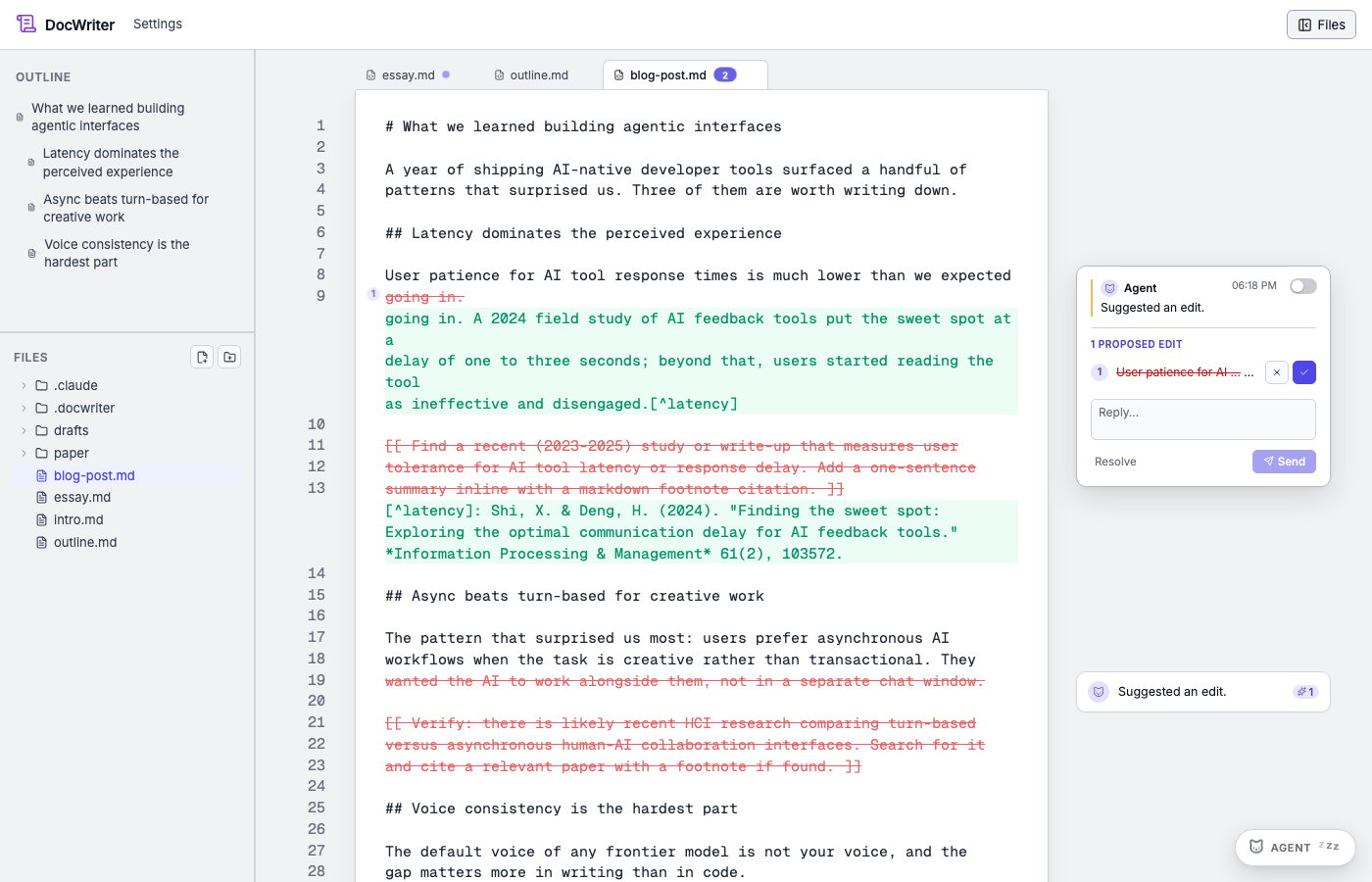
Open a draft and ask the agent to research one claim without editing. Review the sources in the activity log. Then ask it to add a short supported statement and citation. Accept the edit only after opening the cited source and checking that it supports the sentence.
Attach an image to Chat when the image itself is evidence or needs a caption. Place reusable project images under `assets/`.
 ## LaTeX and Overleaf
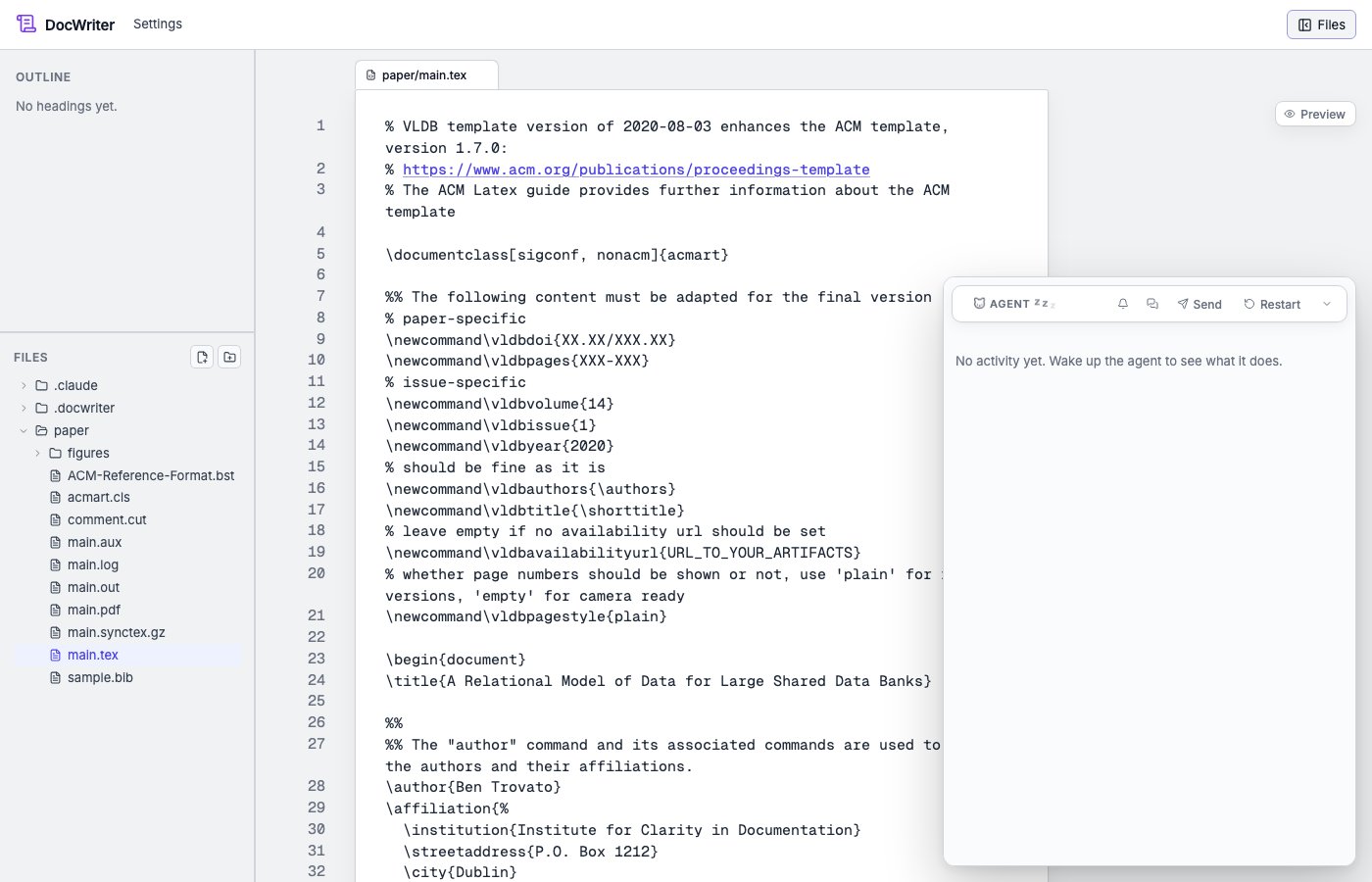
Clone the Overleaf Git repository, run DocWriter with `--watch`, and configure the pdflatex hook. Pull before a writing session and push only accepted source changes.
Use [LaTeX and SyncTeX](/automation/latex-and-synctex) for the build and preview setup. DocWriter does not pull or push the Overleaf repository automatically unless you enable a Git hook.
## LaTeX and Overleaf
Clone the Overleaf Git repository, run DocWriter with `--watch`, and configure the pdflatex hook. Pull before a writing session and push only accepted source changes.
Use [LaTeX and SyncTeX](/automation/latex-and-synctex) for the build and preview setup. DocWriter does not pull or push the Overleaf repository automatically unless you enable a Git hook.
 ## Pandoc
Install Pandoc before enabling either template. PDF output also needs a PDF engine supported by the local Pandoc installation.
The Pandoc HTML template runs:
```sh theme={null}
pandoc "draft.md" --standalone --output "draft.html"
```
Set the hook output to `{{stem}}.html`. Use the Pandoc PDF template and `{{stem}}.pdf` when a PDF engine is installed.
The templates run after matching Edit or Write tool calls, so generated output can refresh during an agent turn.
## Mermaid
Install `@mermaid-js/mermaid-cli`, which provides `mmdc`, then choose the Mermaid hook template:
```sh theme={null}
mmdc -i "diagram.mmd" -o "diagram.svg"
```
Set the output to `{{stem}}.svg`.
The template matches Edit or Write tool calls for Mermaid source files.
## Git
Choose one of the Git templates when accepted changes should be committed and pushed at the end of a turn. The private variant excludes `.docwriter/`, `.claude/`, and `CLAUDE.md`.
The templates run at **Stop** and require a configured remote and upstream branch. Review the command and repository state before enabling an automatic push.
## Pandoc
Install Pandoc before enabling either template. PDF output also needs a PDF engine supported by the local Pandoc installation.
The Pandoc HTML template runs:
```sh theme={null}
pandoc "draft.md" --standalone --output "draft.html"
```
Set the hook output to `{{stem}}.html`. Use the Pandoc PDF template and `{{stem}}.pdf` when a PDF engine is installed.
The templates run after matching Edit or Write tool calls, so generated output can refresh during an agent turn.
## Mermaid
Install `@mermaid-js/mermaid-cli`, which provides `mmdc`, then choose the Mermaid hook template:
```sh theme={null}
mmdc -i "diagram.mmd" -o "diagram.svg"
```
Set the output to `{{stem}}.svg`.
The template matches Edit or Write tool calls for Mermaid source files.
## Git
Choose one of the Git templates when accepted changes should be committed and pushed at the end of a turn. The private variant excludes `.docwriter/`, `.claude/`, and `CLAUDE.md`.
The templates run at **Stop** and require a configured remote and upstream branch. Review the command and repository state before enabling an automatic push.