> ## Documentation Index
> Fetch the complete documentation index at: https://docs.docwriter.org/llms.txt
> Use this file to discover all available pages before exploring further.
# LaTeX and SyncTeX
> Build a TeX project and move between source and PDF.
## Build the PDF
Open **Settings**, then **Hooks**, and choose the pdflatex template. Update the entry file and output path when the project does not use `main.tex`.
The template runs pdflatex with `-synctex=1` and performs additional passes for references. It runs at the end of an agent turn.
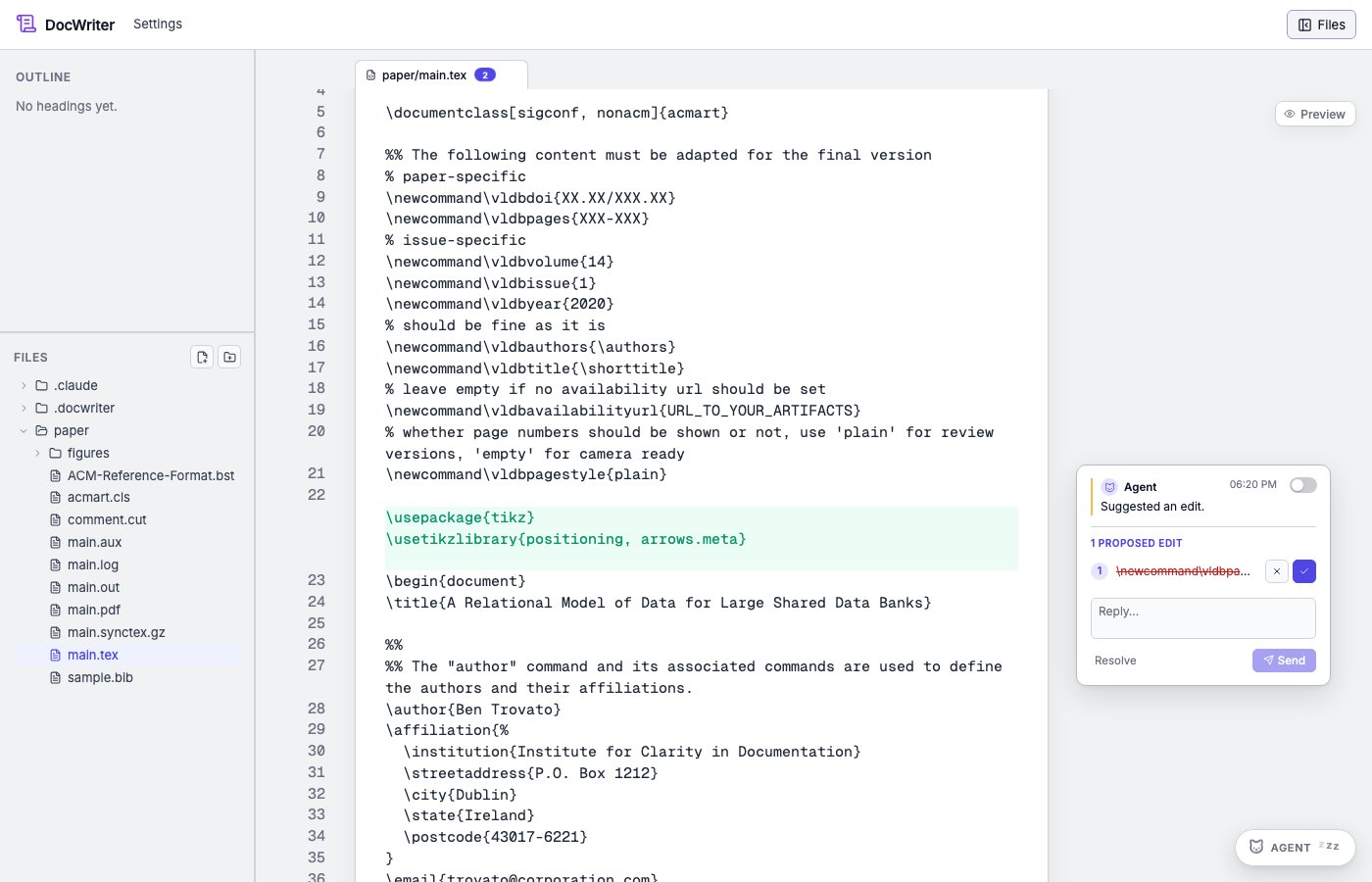
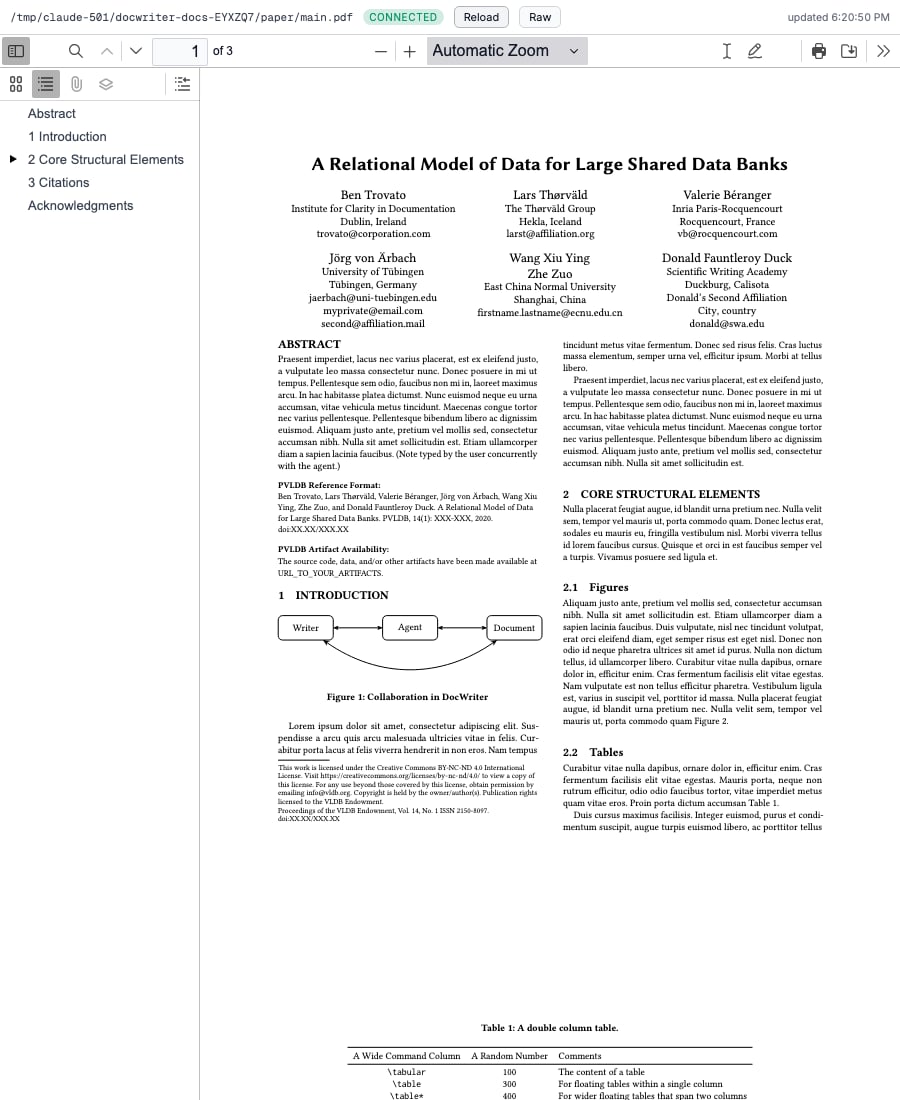
DocWriter also finds a same stem PDF automatically. For example, `paper/main.tex` matches `paper/main.pdf`.
## Preview beside the source
Open the TeX source, then use the split preview button. Drag the divider to resize the source and PDF.
 ## Move from source to PDF
Select source text and choose **Locate in PDF**. DocWriter asks the `synctex` command for the page and position. When SyncTeX data is unavailable, it falls back to PDF text search.
## Move from PDF to source
Double click a location in the PDF. DocWriter asks SyncTeX for the source file and line, opens that file, and scrolls the editor.
The `synctex` command must be on `PATH`, and the build must produce a `.synctex.gz` file. Source and PDF paths must remain inside the workspace.
## Move from source to PDF
Select source text and choose **Locate in PDF**. DocWriter asks the `synctex` command for the page and position. When SyncTeX data is unavailable, it falls back to PDF text search.
## Move from PDF to source
Double click a location in the PDF. DocWriter asks SyncTeX for the source file and line, opens that file, and scrolls the editor.
The `synctex` command must be on `PATH`, and the build must produce a `.synctex.gz` file. Source and PDF paths must remain inside the workspace.