

Live activity
The expanded agent dock shows the current turn, tool progress, subagent progress, errors, and the running session cost. After the first round, the cost detail includes input, output, and cache token counts with the estimated cost in US dollars. Open Settings, then History detail to choose Verbose or Minimal. Long assistant and thinking entries have expand controls. Subagent rows show the task description and current progress. The current in progress turn stays pinned above older activity while the agent works.Full transcript
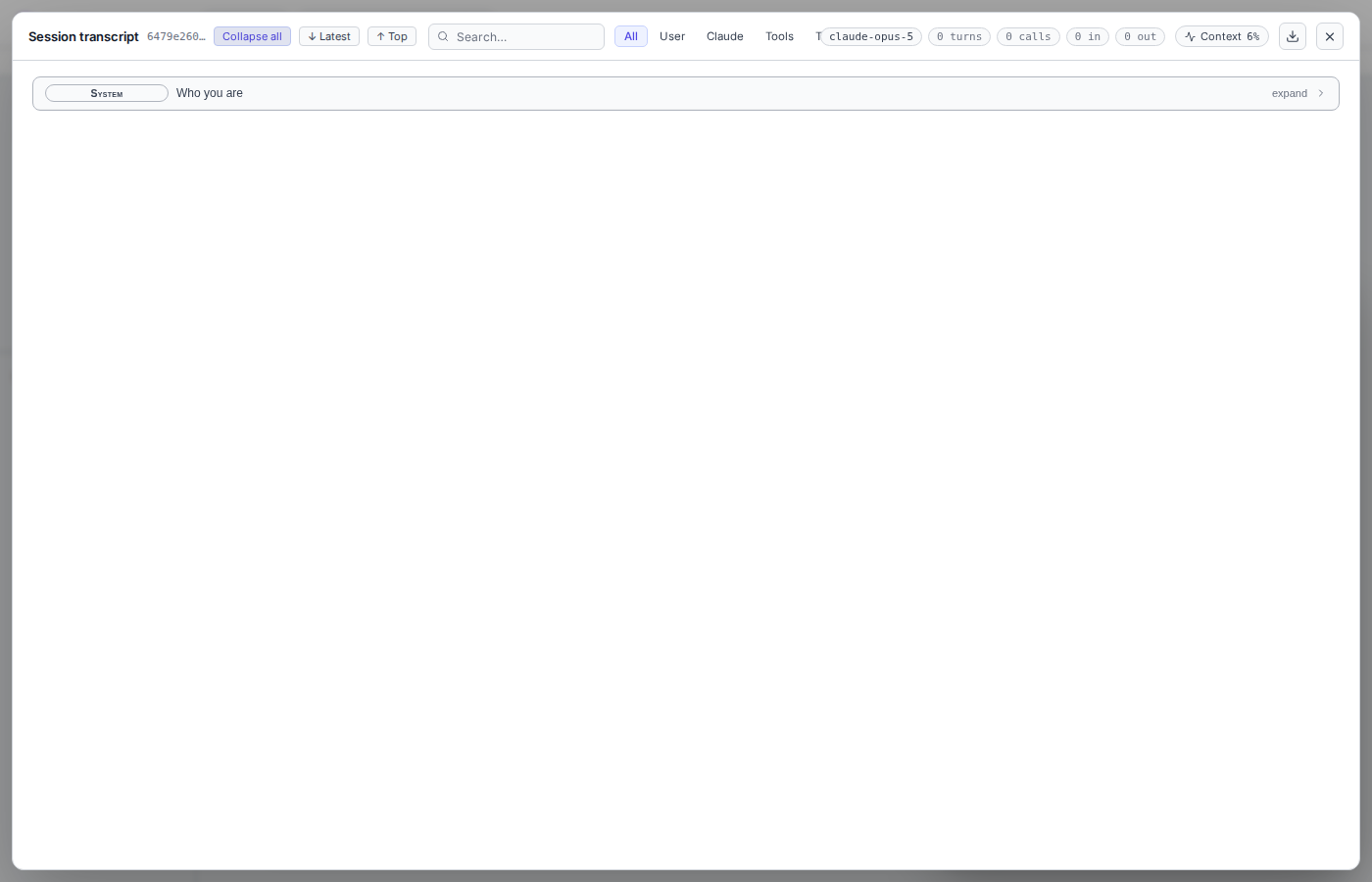
Choose Transcript in the dock header. The viewer can search messages, filter by user, assistant, tools, or thinking, and expand tool calls and the system prompt. The Context view estimates how different content uses the model context window. Use the export action to download the transcript as JSON.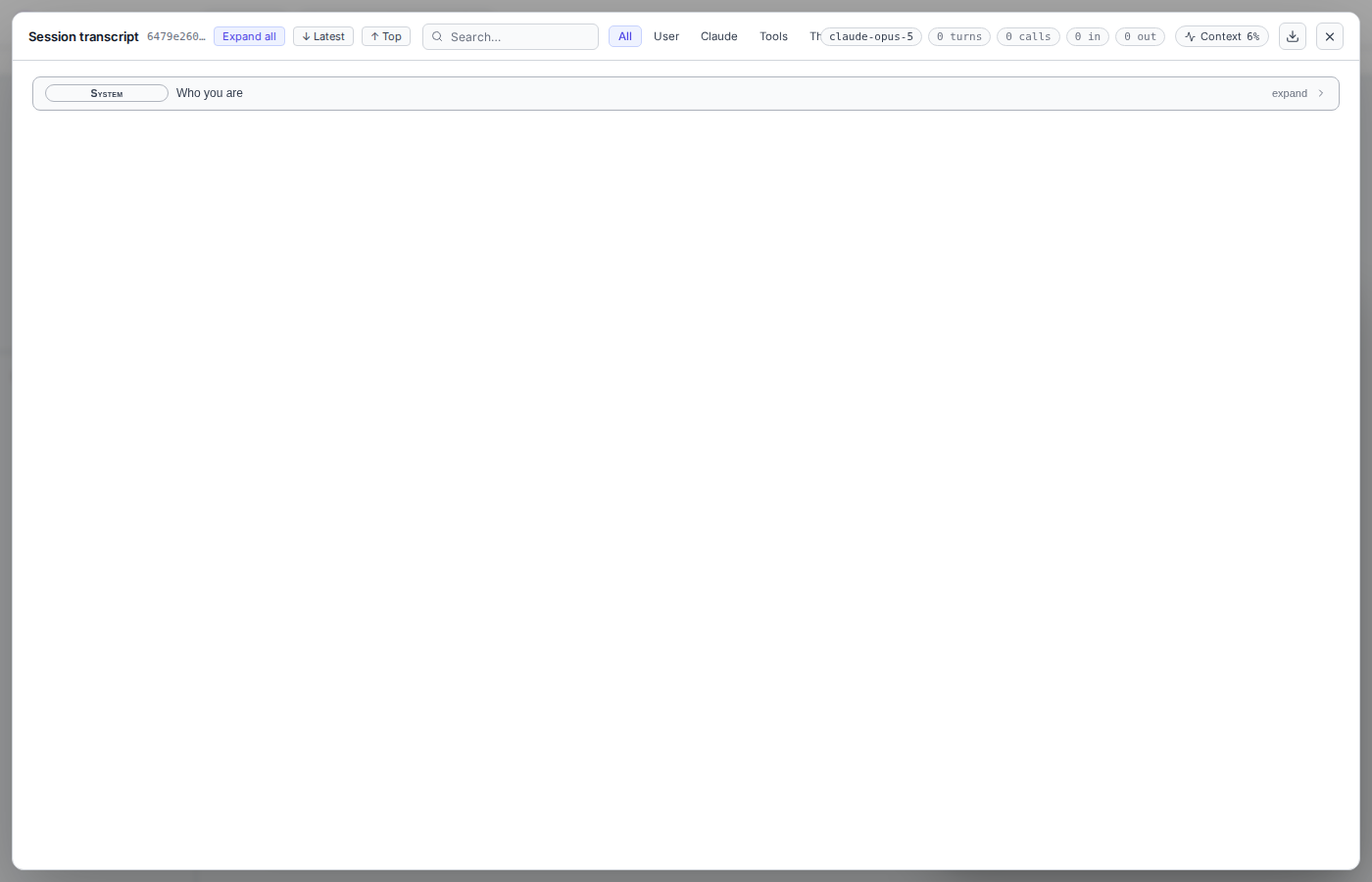
Browse sessions
Open Settings, then Sessions. Search earlier sessions and switch to one. DocWriter restores the provider, model, and saved conversation when possible. Provider sessions can expire or become unavailable. DocWriter can recover some Cursor and Pi session failures by starting a fresh provider session.Start a new session
Choose New session in the agent dock. A new session clears:- Provider conversation and live history
- Queued work and active questions or plans
- Pending edit proposals
- Session cost, recent feedback actions, and proposal toasts
.docwriter/agent/scratch/