Give feedback on selected text
Use selected text feedback when your request concerns one passage and you want the agent to receive that passage with the instruction. Select text to open the feedback popup. Enter a request or choose a recent action. Press Enter or click Go to send it. Choose Direct edit when the change is clear and you are ready to review proposed wording. Choose Plan first when you want to discuss the reason or approach before the agent changes the passage. You will see the planned change explained in the thread before you approve it. The AI smell quick action always plans first. The popup also contains Locate in PDF when a matching preview exists.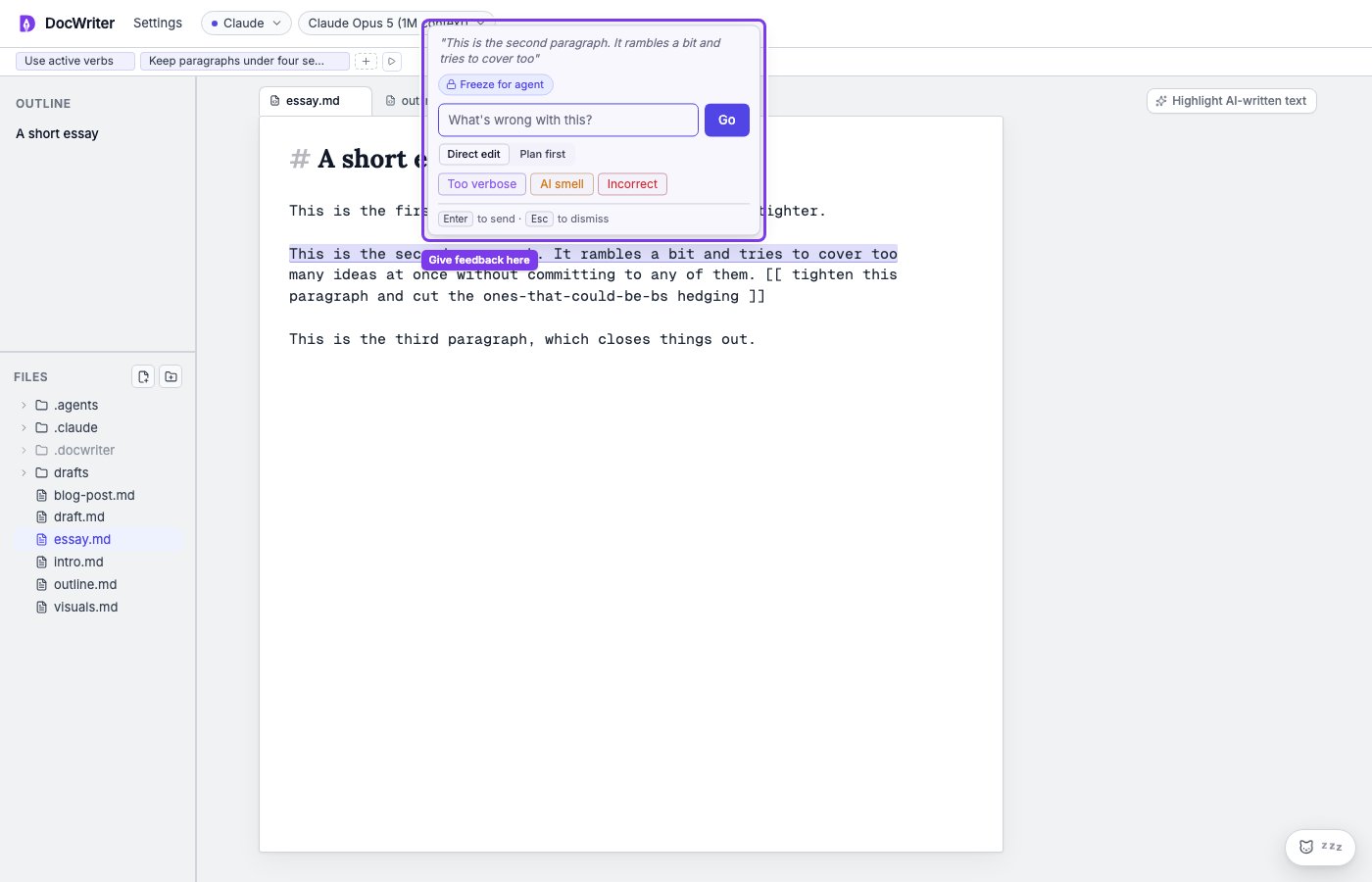
Leave an inline directive
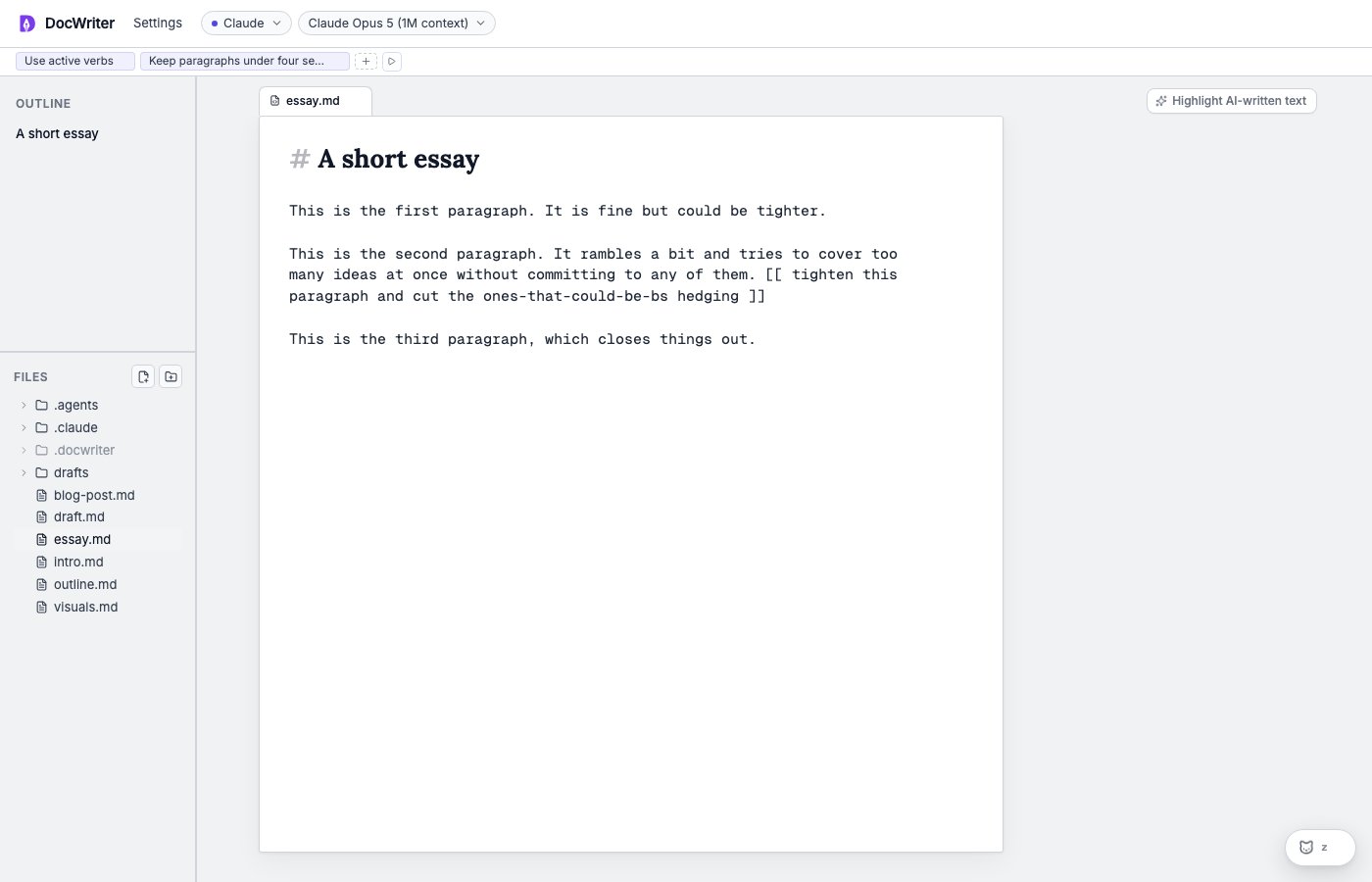
Use an inline directive when you want to leave an instruction in the draft itself and continue writing. The agent will find the instruction the next time it checks the document. Place an instruction inside one of the following delimiter pairs: