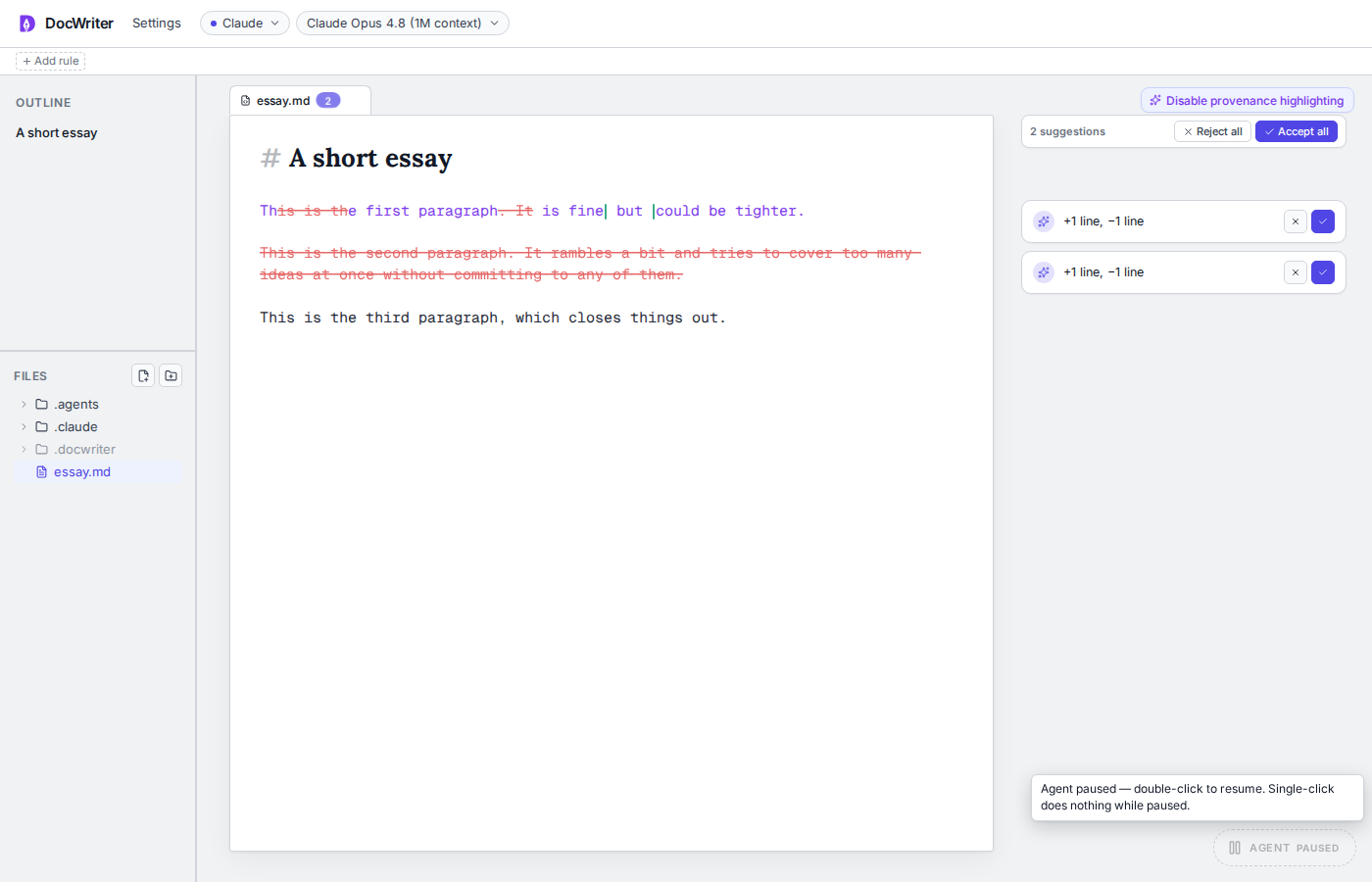
Editor
Undo can reverse local typing and accepted or rejected review actions. Agent changes are kept outside the local undo stack until you accept or reject them, which protects your typing history from an agent edit.
As you work, DocWriter saves your changes continuously, so you do not need to press Command or Control and S. If you close the browser immediately after typing, you can lose text that has not finished saving.
Chat and comments
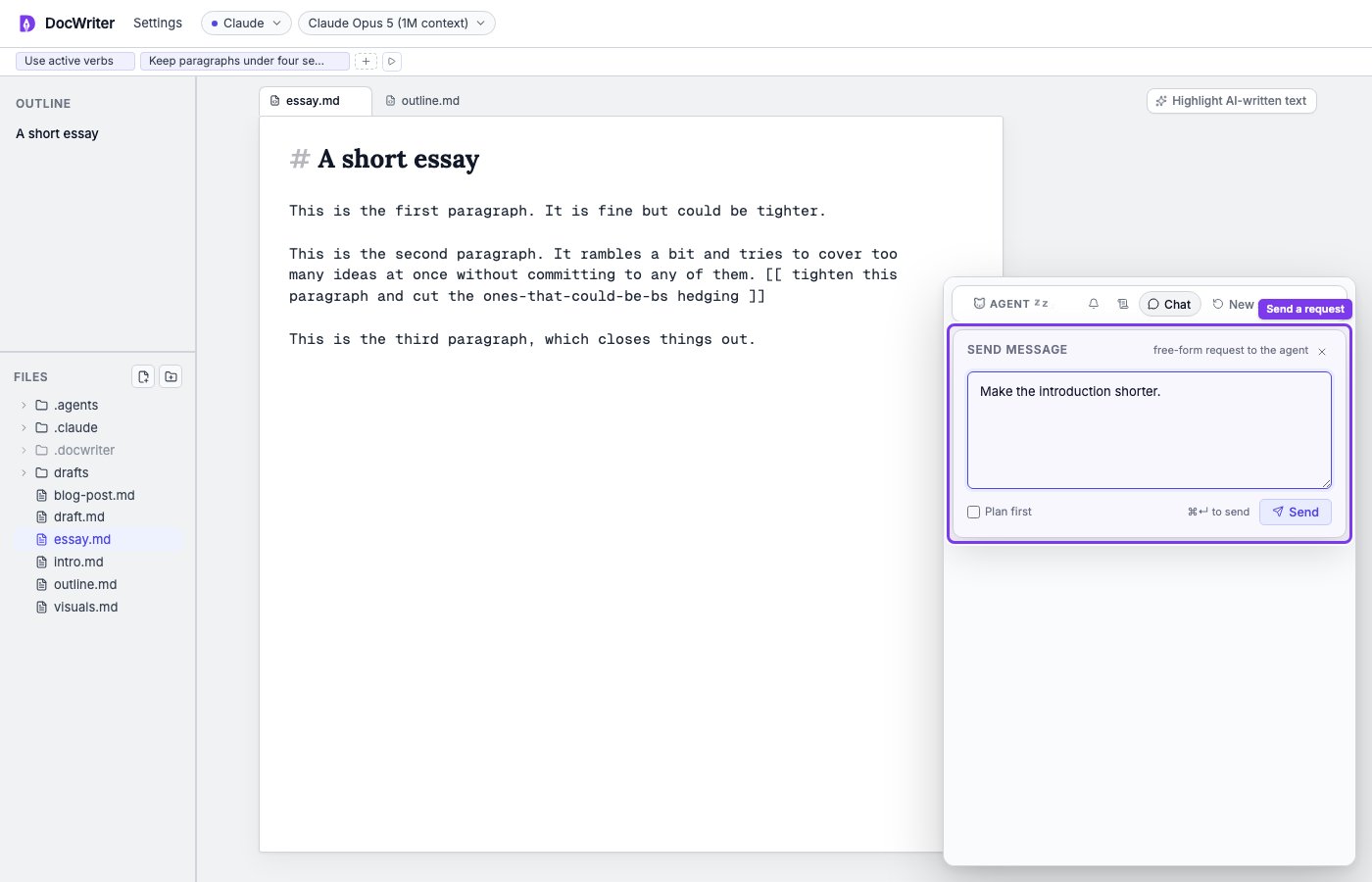
Sending Chat or a reply sends its text and selected document context to the current provider. Closing a draft popover or dialog can discard text that you have not sent or saved.
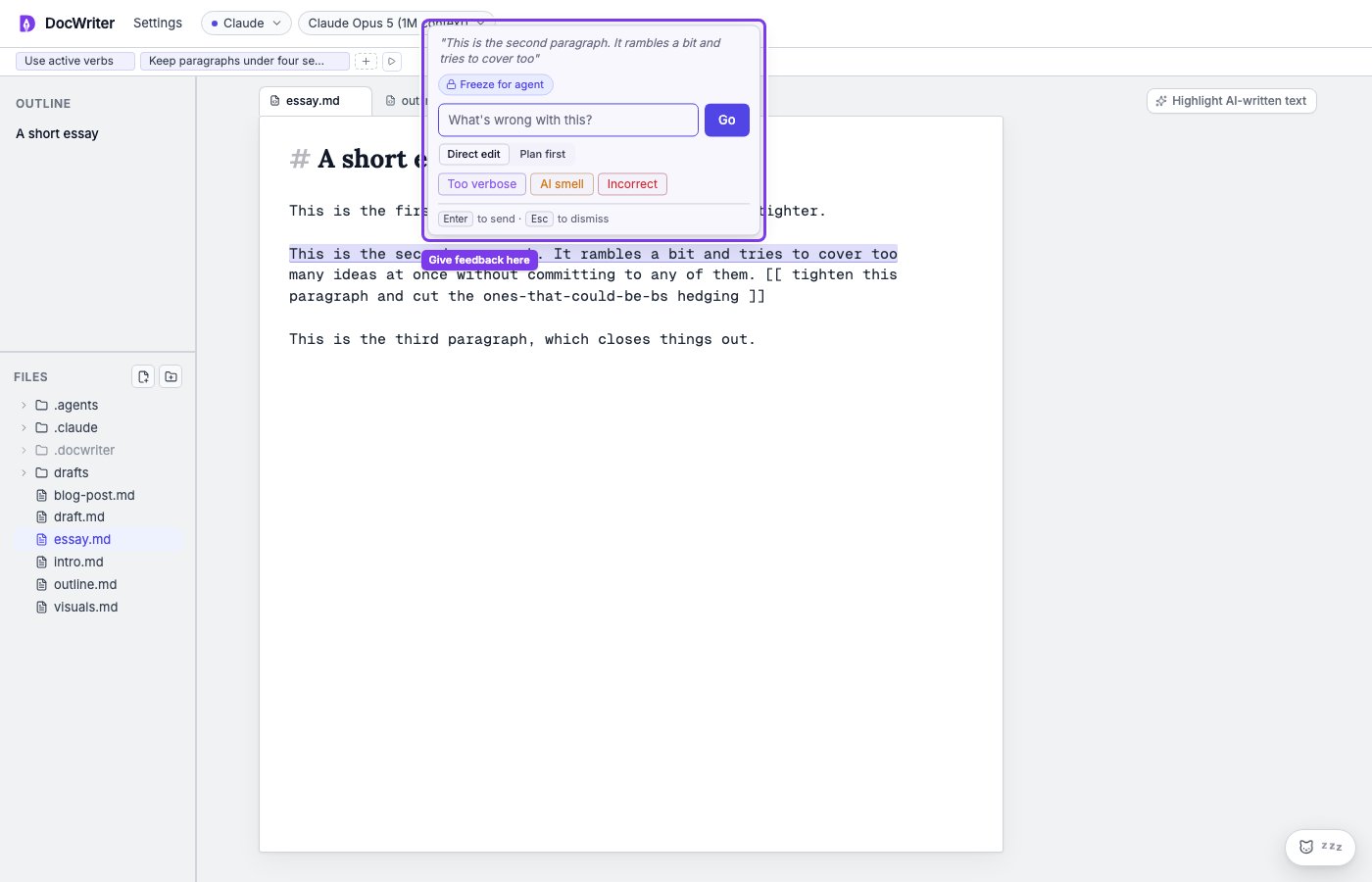
Selected text feedback
When the feedback input is empty, pressing delete removes the selected document text. Use Undo if you delete selected text by mistake.
Find
Enter moves to the next match. Shift and Enter moves to the previous match. Escape closes the find bar. Find moves your selection through matches without changing document text.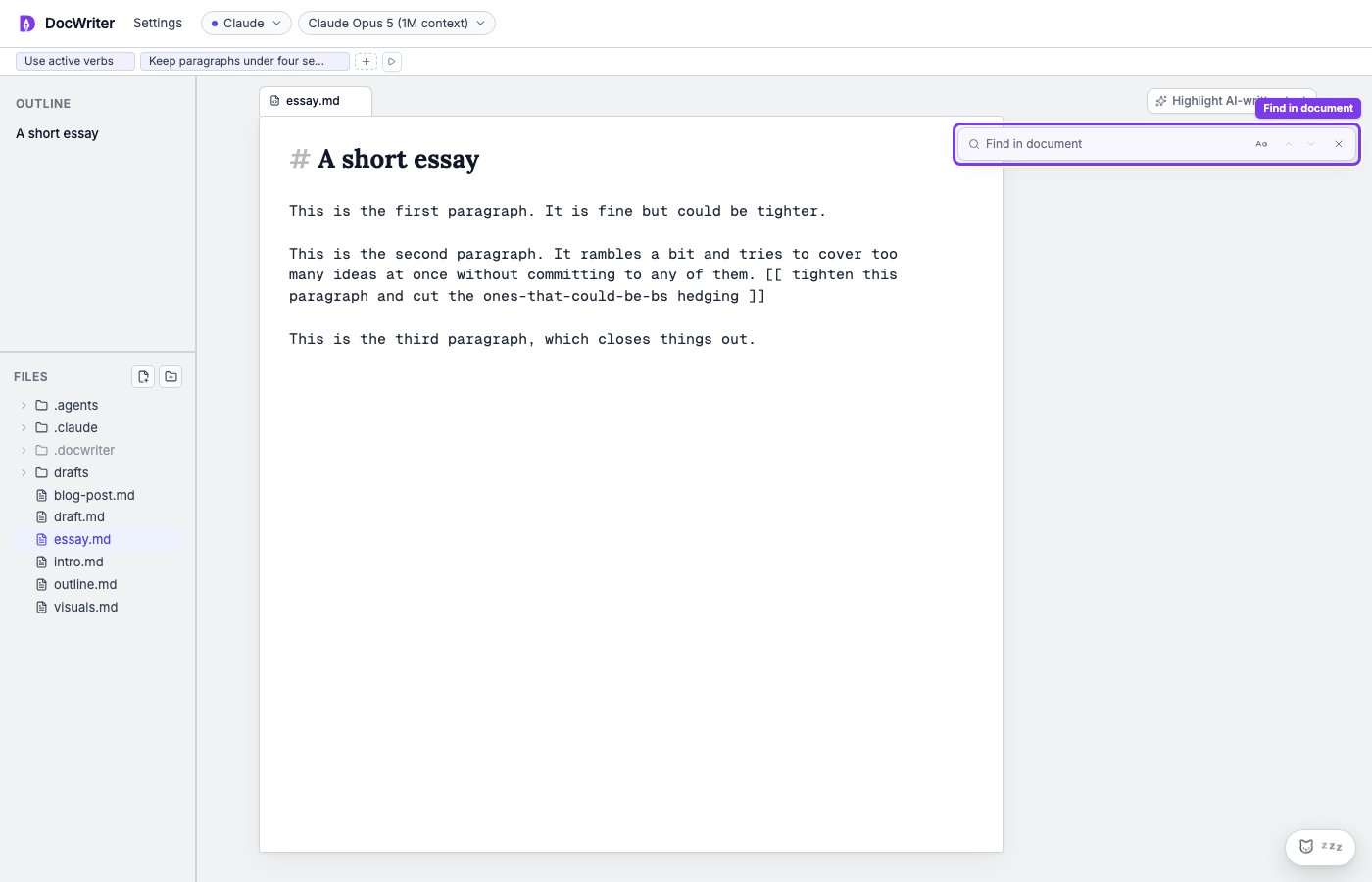
Agent dock
Click the idle agent pill to wake it for the active text tab. Waking the agent can send context to the selected provider and use provider quota. Double click the pill to pause or resume agent requests. When you pause, DocWriter closes the current run, clears the idle countdown, and blocks Chat and new agent requests. Completed tool calls and proposals remain.