

Build the PDF
Open Settings, then Hooks, and choose the pdflatex template. Update the entry file and output path when the project does not usemain.tex.
The template runs pdflatex with -synctex=1 and performs additional passes for references. It runs at the end of an agent turn.
DocWriter also finds a same stem PDF automatically. For example, paper/main.tex matches paper/main.pdf.
Preview beside the source
Open the TeX source, then use the split preview button. Drag the divider to resize the source and PDF.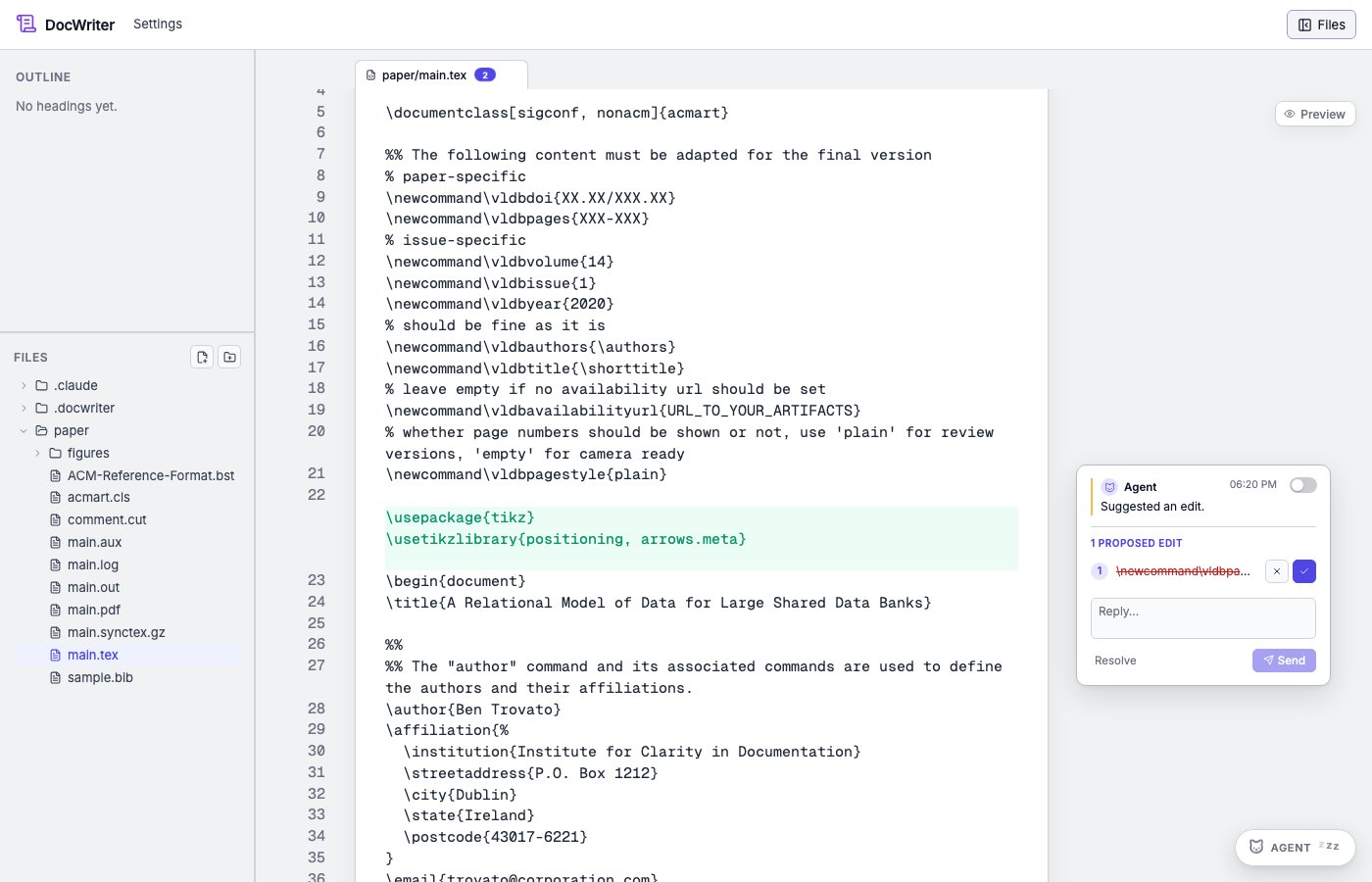
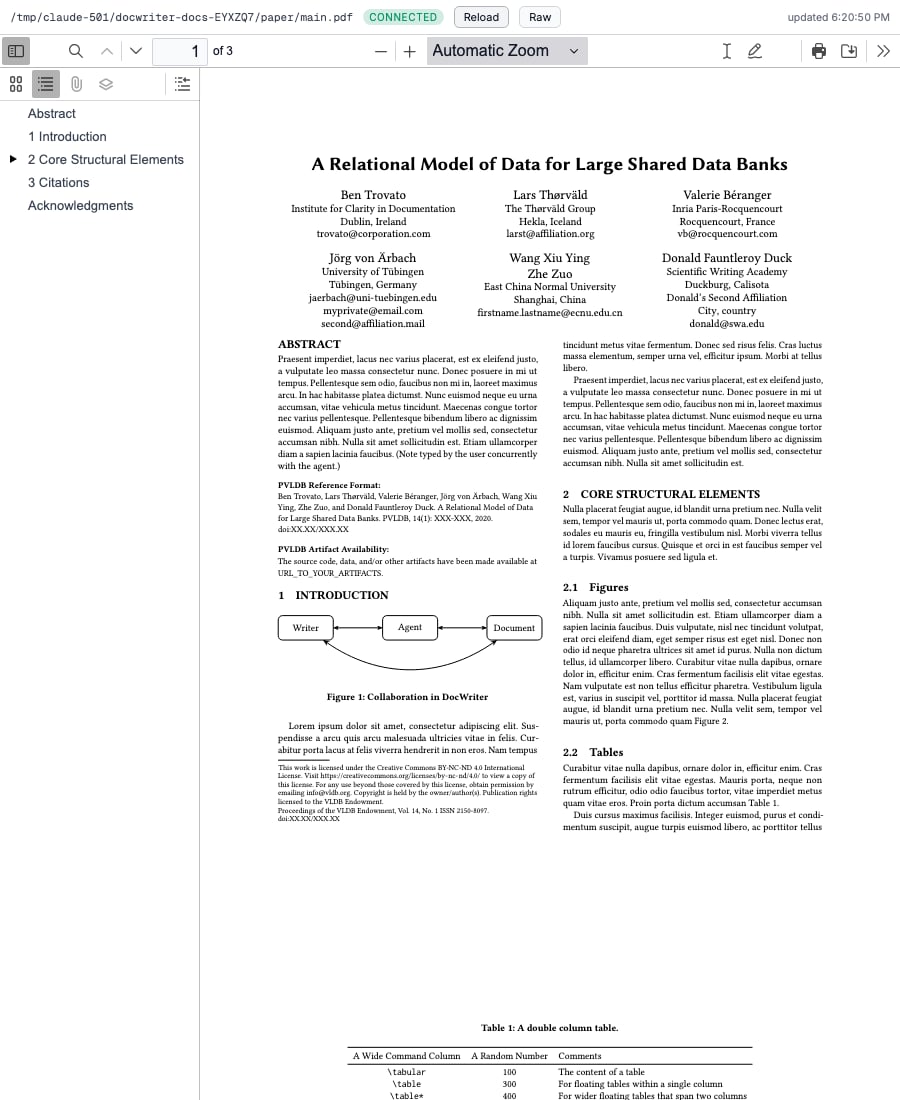
Move from source to PDF
Select source text and choose Locate in PDF. DocWriter asks thesynctex command for the page and position. When SyncTeX data is unavailable, it falls back to PDF text search.
Move from PDF to source
Double click a location in the PDF. DocWriter asks SyncTeX for the source file and line, opens that file, and scrolls the editor. Thesynctex command must be on PATH, and the build must produce a .synctex.gz file. Source and PDF paths must remain inside the workspace.