Markdown layers
You will see visual styling for headings, lists, quotes, horizontal rules, bold, italic, code, links, and strikethrough while the source markers remain in the document. You will see a rendered preview for pipe tables, so you can check the rows and columns before you share the file. You can show the table source when you need to edit it. You will see code styling and a language label on fenced code blocks.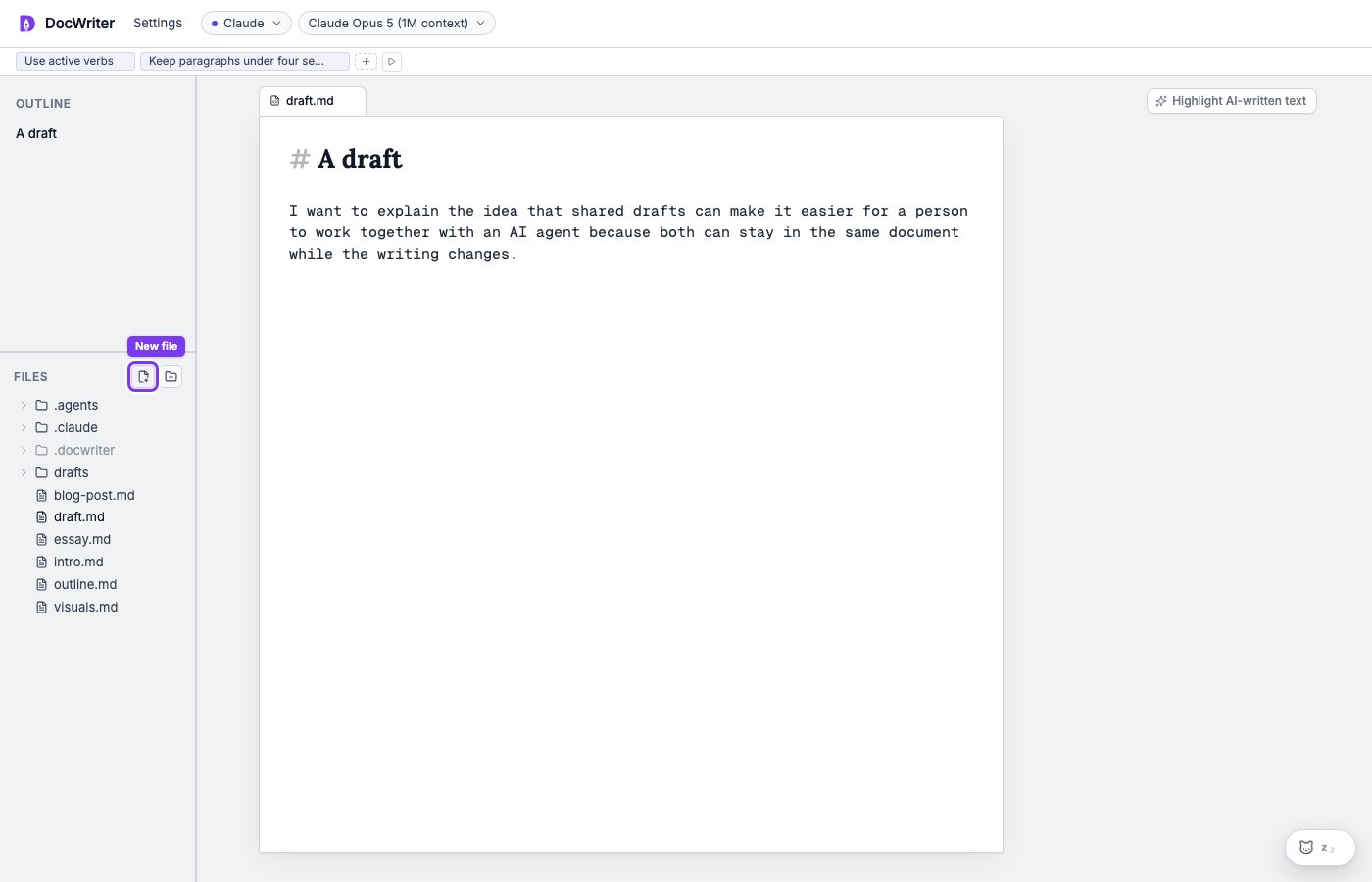
Markdown source remains visible while headings and other elements receive visual styling.
.tex, .sty, .cls, and .bib.
Source comments
Press Command or Control and / to comment or uncomment the current line or selection. DocWriter chooses the comment syntax from the file extension.Saving and undo
As you edit, DocWriter saves your changes to the project file as plain text after a short delay. You can reopen the project and continue from the saved text. Command or Control and Z undoes your typing and actions such as accepting or rejecting a proposal. Your undo history covers your work, not agent changes. Command or Control, Shift, and Z redoes the latest user undo step.Agent changes
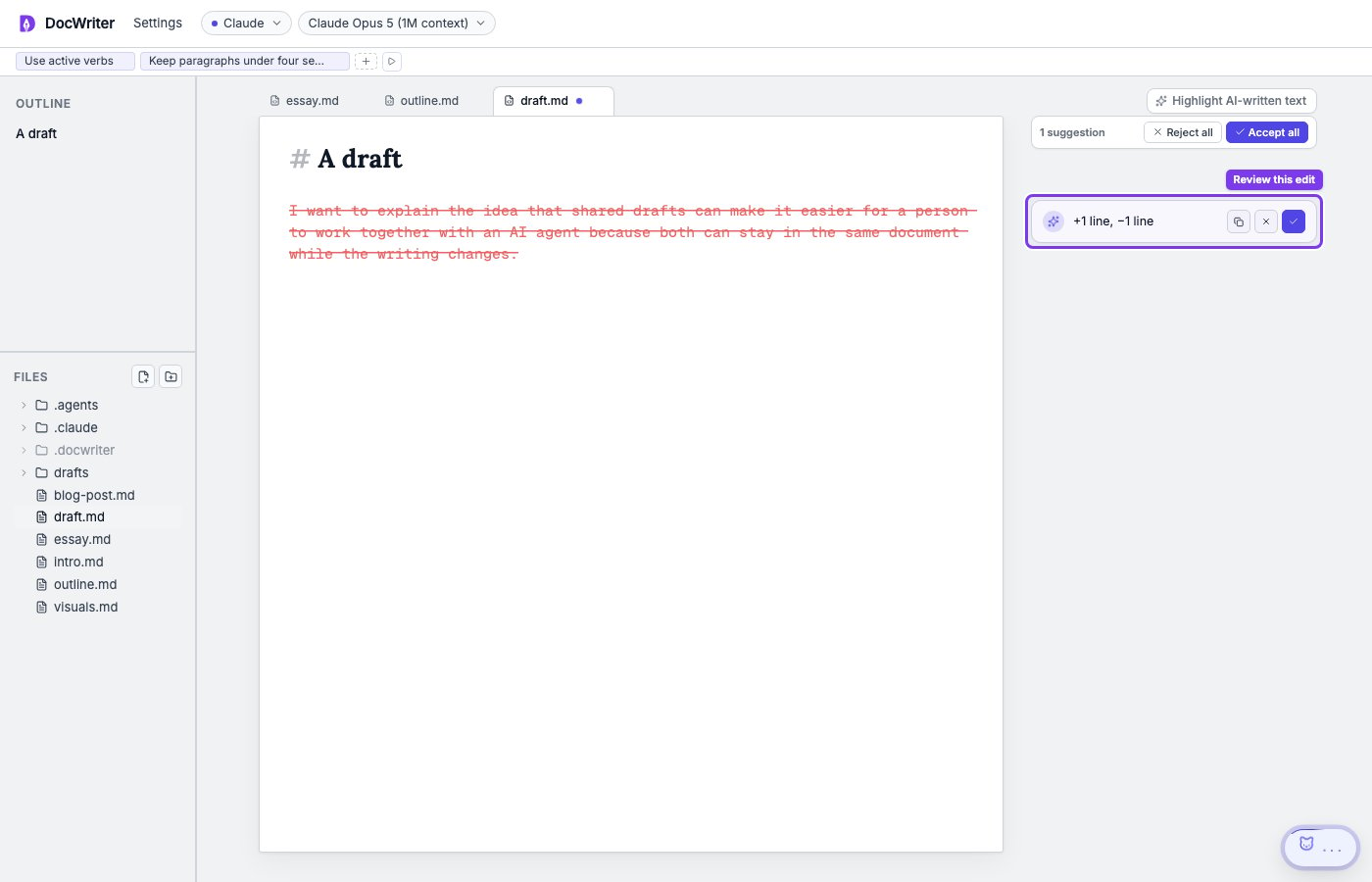
You will see proposed text as a green addition or red removal in the editor and as a card in the comment gutter. The colors show what you would gain or lose before you decide. Muting hides the proposal layers without pausing the agent, which is useful when you want to read the draft without review marks.