

Paste or drop an image
Paste an image into the editor or drop it onto the document. You will find the saved image underassets/, and you will see a Markdown image reference at the cursor. You can then move or edit the reference like any other text in the document.
Supported image types include PNG, JPEG, GIF, WebP, SVG, BMP, and AVIF.
Paste a URL
When you paste an image URL, the editor inserts a Markdown image. When you paste a URL over selected text, the editor creates a Markdown link. A normal web link stays as text and receives a preview card when the site provides a title, description, or image through OpenGraph metadata. You also see inline previews for existing Markdown image references and bare image URLs on their own line. Remote link previews cause the local DocWriter server to request metadata from the destination site.Use images with the agent
Paste or drag an image into Chat to attach it to the next request. Use an attachment when the request depends on details that are visible in the image. The agent can also read image files already stored in the workspace, which is useful when you need a caption, a figure description, or text copied from an image.Preview SVG
You will see an inline preview for a raw SVG block, so you can check the drawing while keeping its source in the document. You can reveal the source when you need to edit the SVG directly.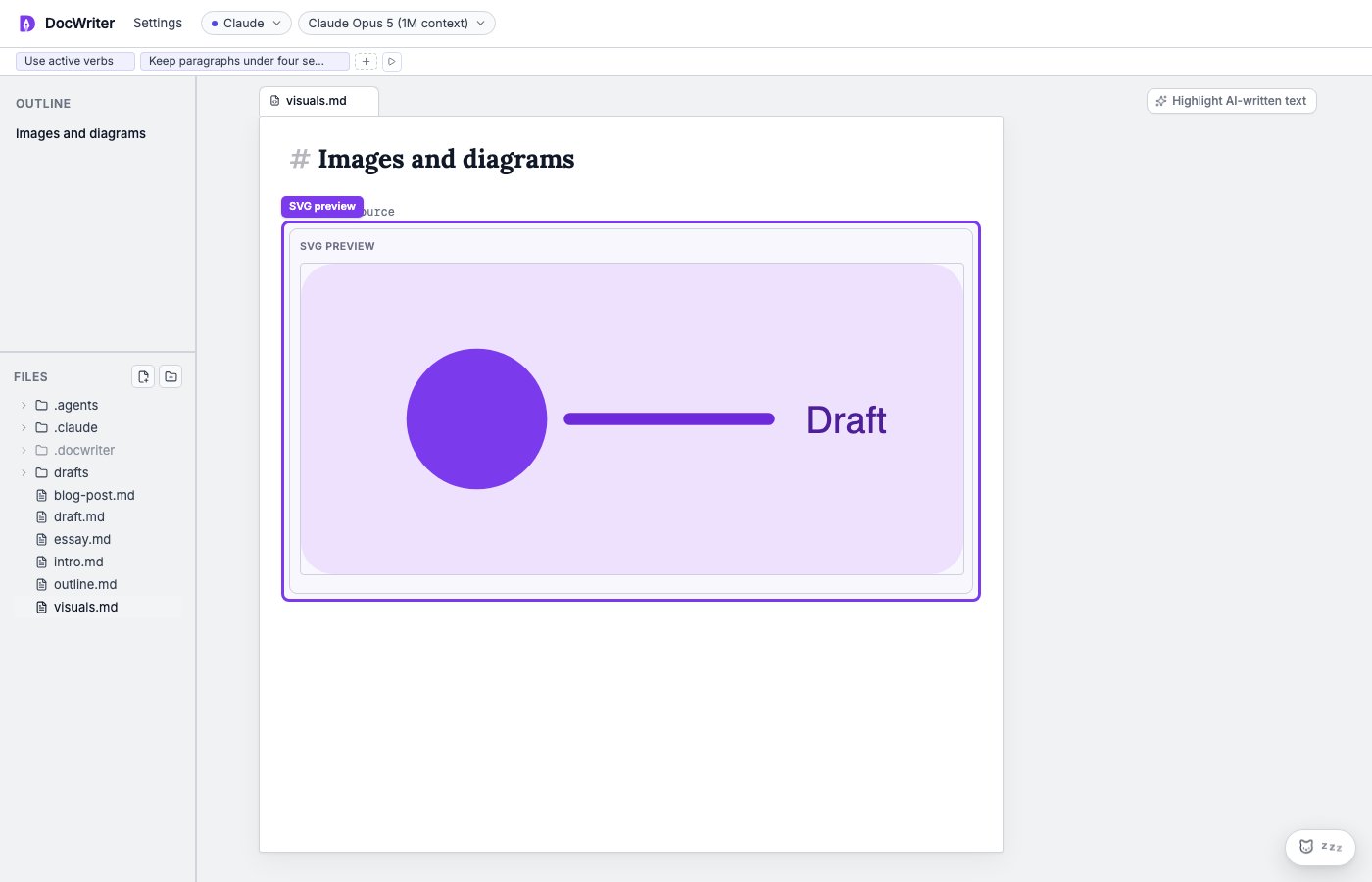
A raw SVG block rendered above its hidden source.
Run D3
Use a fencedd3 code block when you want an interactive diagram generated from code: