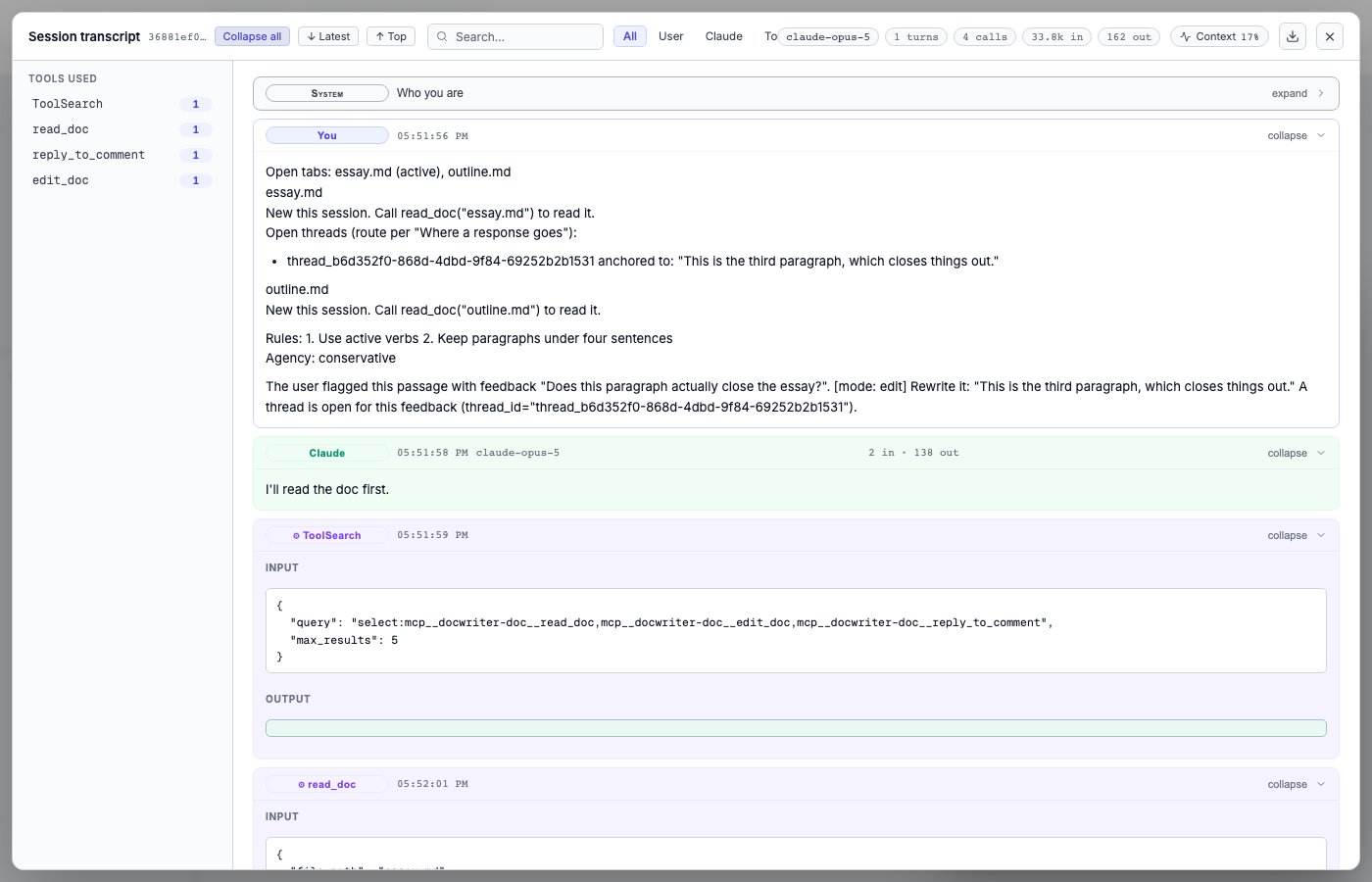
The provider says a credential is missing
Open Settings, then API keys. Check whether the selected provider shows Key set, Using login, Missing, or Optional.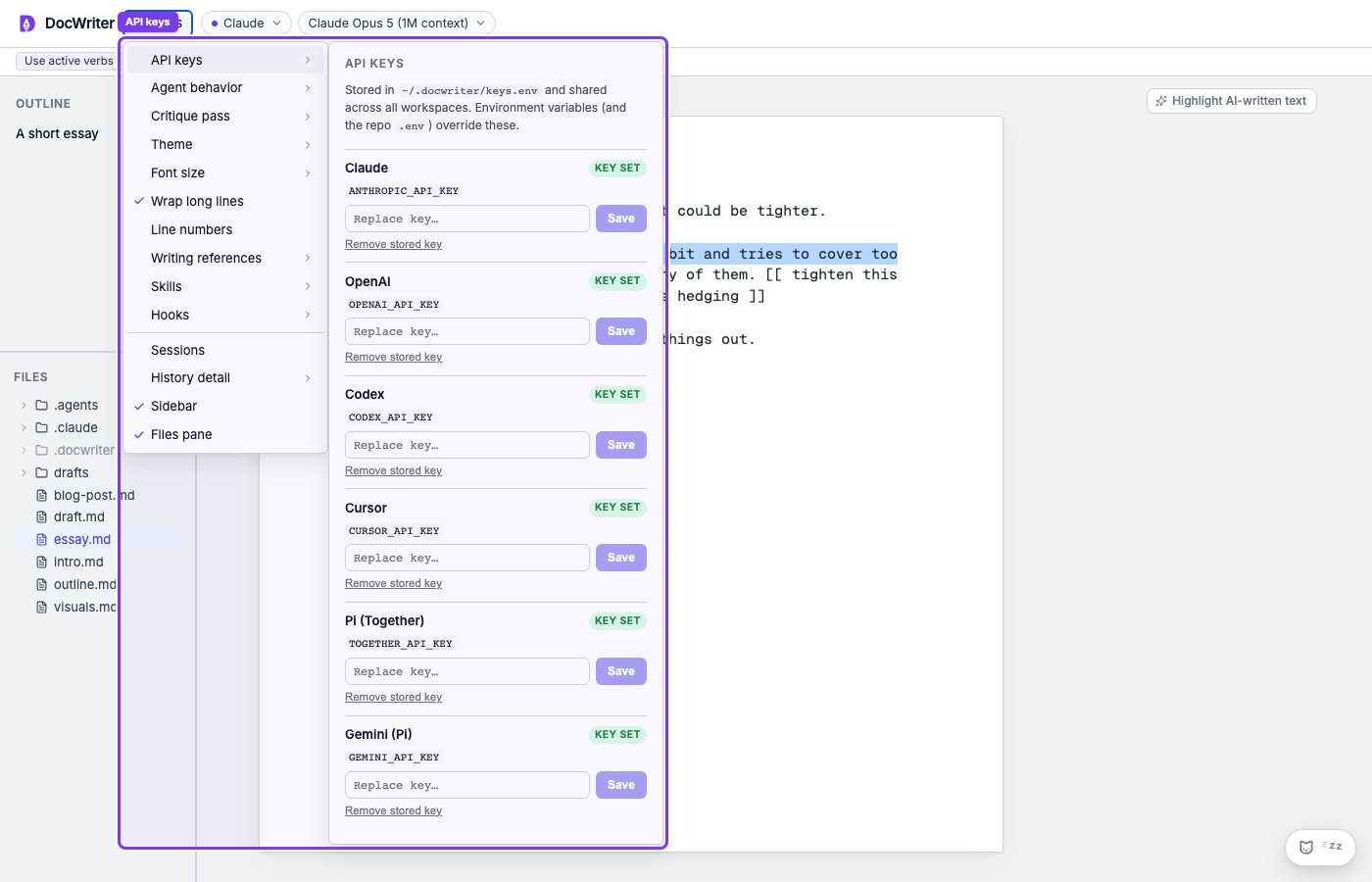
~/.docwriter/keys.env with permissions limited to your operating system user. Removing a key stops DocWriter from using that saved value, but the provider may still work through an environment variable or command line login.
Process environment variables and project .env files take precedence over ~/.docwriter/keys.env. Restart DocWriter after changing a shell environment variable. A wrong value in the environment can continue to override a correct value saved in the panel.
Claude Code login expired
/login is typed inside Claude Code in a terminal — not in the DocWriter UI.
- Open a terminal on the same computer that runs DocWriter.
- Enter
claudeand press Enter. Wait until the session is running. - Type
/loginand press Enter. Finish the browser sign-in. - In DocWriter, open Settings → API keys. Claude should show Using login.
- Retry the agent request.
ANTHROPIC_API_KEY, DocWriter bills API usage instead — remove the stored key and unset the env var to use login again.
Choose New session if the provider still tries to resume an expired conversation. New session clears the saved provider conversation, agent activity for the current session, temporary scratch files, and pending proposals. It keeps workspace files, comments, rules, hooks, and settings. Copy any proposal text you need before choosing it.
Other command line logins expired
Codex can also use an existing command line login. Run that provider’s login again in a terminal on this computer, then retry. Choose New session if the provider still tries to resume the expired conversation.The selected model does not exist
Open the model control and choose another model listed for the current provider. Changing the model affects future agent requests. Your workspace files stay the same.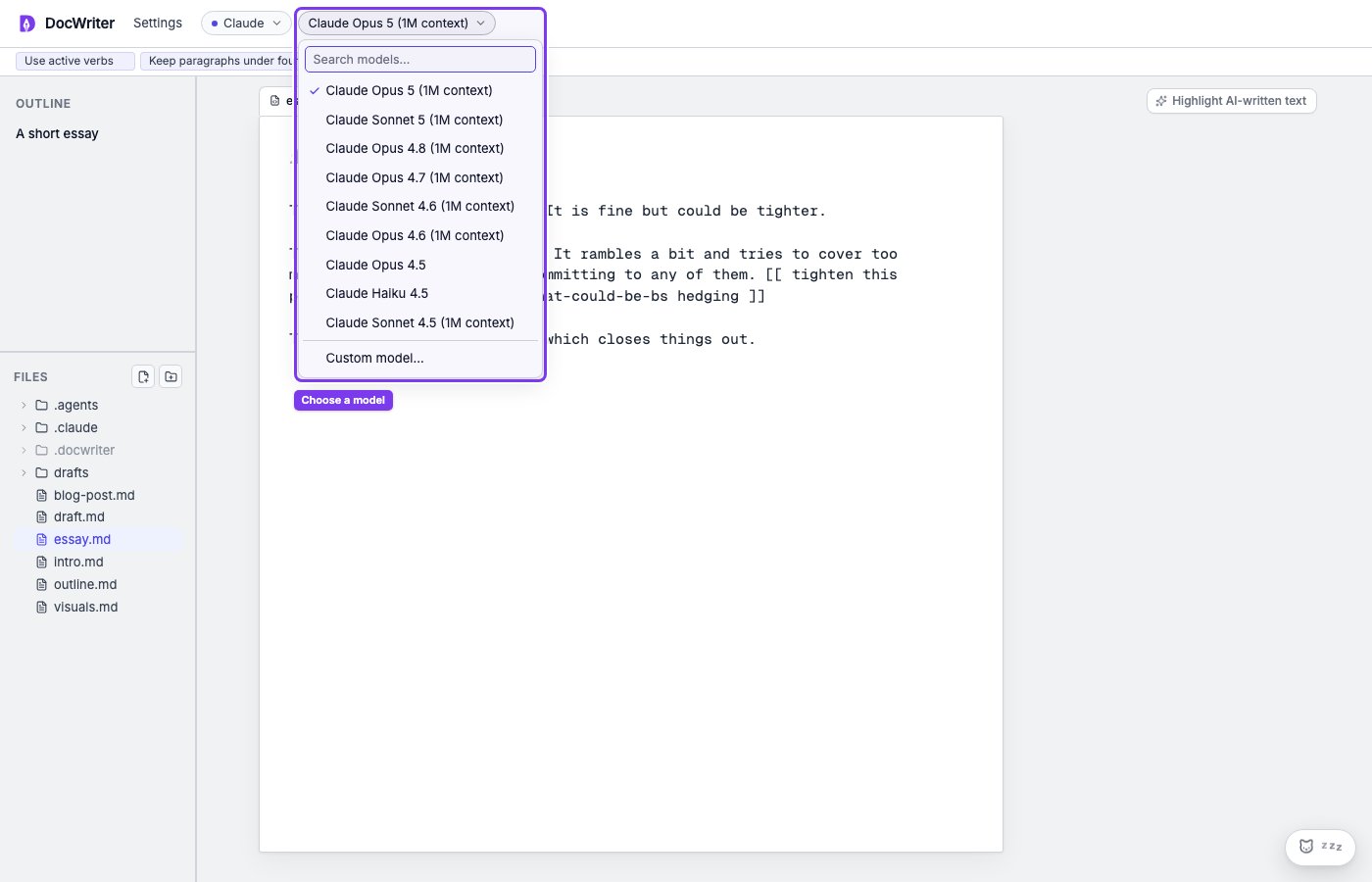
codex-mini does not exist, choose an available GPT model. If Claude reports that enabled thinking is not supported, choose another Claude model.
The provider reached a quota or rate limit
Wait for the limit to reset, or select another provider that has working credentials. Switching providers starts a separate provider conversation. The new provider starts without the old provider’s saved conversation. Cancel the current run if queued messages should not run after the limit resets. When you cancel the run, DocWriter closes it and clears queued messages. Some provider work may continue. Completed tool calls, comments, and proposals remain. Provider charges are not reversed.A saved session cannot resume
Open Settings, then Sessions, and choose another session. Start a new session when the saved provider conversation no longer exists.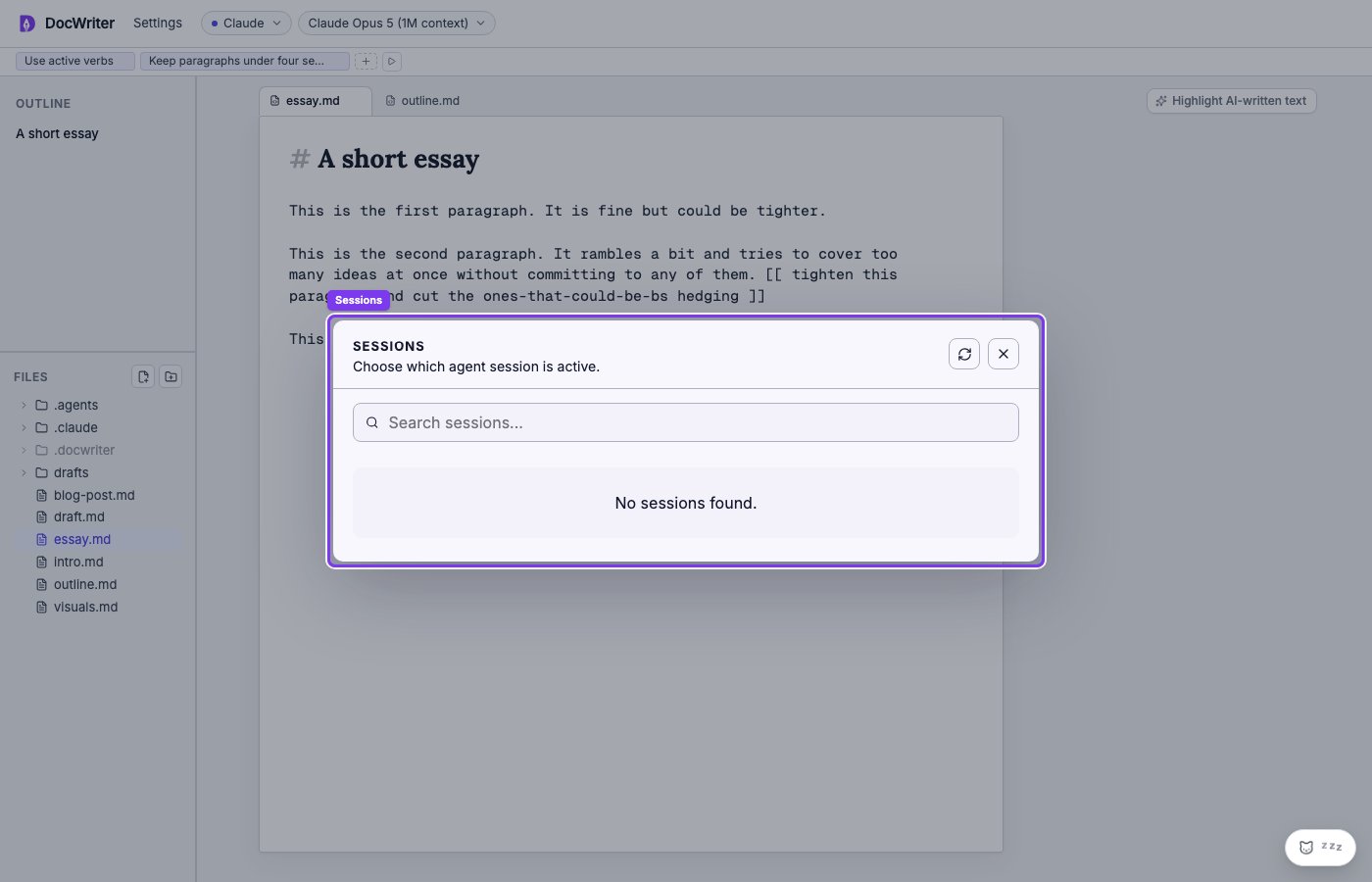
The provider starts but a tool fails
Open the transcript and inspect the failed tool result. Confirm that the file is inside the workspace and that the selected provider supports the requested tool.