

Adding a reference
In the menu bar, open Settings and click Writing references.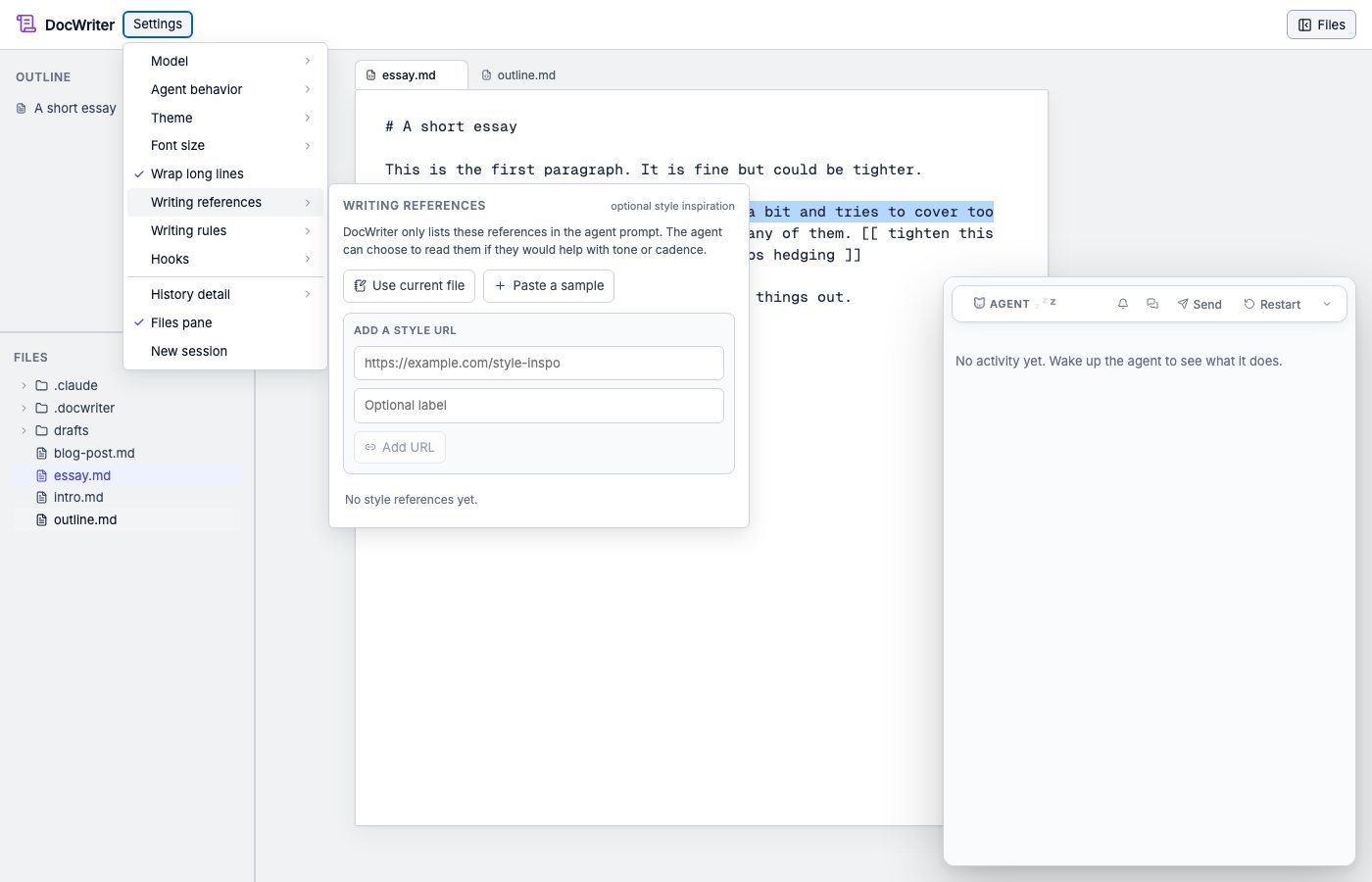
- Use the current file. Saves the active tab’s content as a reference.
- Paste a sample. Paste a chunk of prose directly into the panel.
- Save a URL. Point at a web page; DocWriter fetches the text.
Examples
- A previous blog post of yours, for the agent to match in a new one.
- A paper introduction whose tone you want to emulate.
- A style guide page (e.g., a journal’s prose conventions) for academic writing.
- A specific author’s writing whose voice fits the project.
How references compare to rules
Both can be active at the same time. Rules tell the agent what not to
do; references show it what good output looks like.
Where to go next
- Writing rules. Hard, persistent style instructions.
- Skills. For richer situational behaviors.