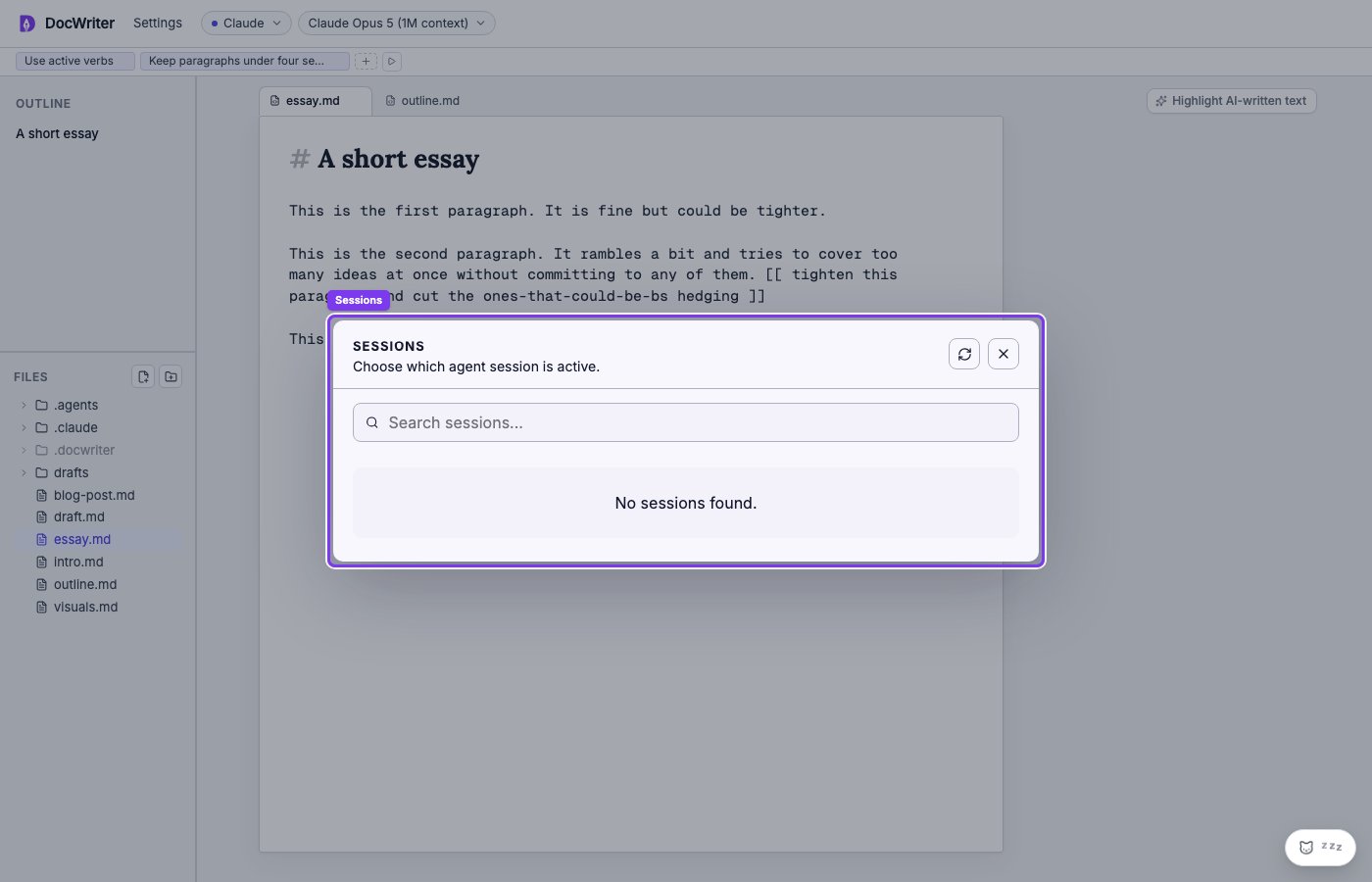
.docwriter/docwriter.db and persists across
restarts. Reopening DocWriter resumes the same session — the agent
remembers prior turns, prior tool calls, and prior context within
limits.
You usually don’t think about sessions. They’re transparent. There
are two cases where they become visible.
Starting a fresh session
Pass--new-session on the CLI:
- The agent has dug itself into a hole and you want a clean slate.
- You’re switching context to a different writing project on the same workspace.
- You want the agent’s behavior to be reproducible from a fresh state (e.g., for screenshots or testing).
The transcript viewer
The history pane on the right shows the current turn’s tool calls live. To browse prior turns — every user message, every Claude response, every tool call and result — open the Transcript button at the top of the history pane. The transcript viewer is a separate read-only window over the same SQLite-backed session data. It has:- Per-event filters (user messages, assistant text, tool calls, hook runs, errors).
- Free-text search across the whole transcript.
- Expandable tool-call entries showing the inputs (the agent’s arguments) and outputs (what the tool returned).
Sessions and hooks
Two hook events fire on session boundaries:SessionStartruns when a new agent session begins (first turn after--new-session, or when a fresh workspace is opened).SessionEndruns when the session is cleared or the server shuts down cleanly.
What the agent remembers across sessions
Within a session, the agent has the full Claude Agent SDK conversation context: prior user prompts, prior tool calls, prior reasoning. Between sessions (after--new-session), all of that is gone.
What persists regardless of session — because they live in
DocWriter’s own state, not the SDK’s conversation:
- Your tab files (essay.md, paper/main.tex, etc.).
- Writing rules and writing references.
- Hooks.
- Open comment threads.
- Pending agent reviews.
- The recent-actions LRU for the inline feedback popup.
- The CRDT history (so undo/redo survives restarts).