

Choose an autonomy level
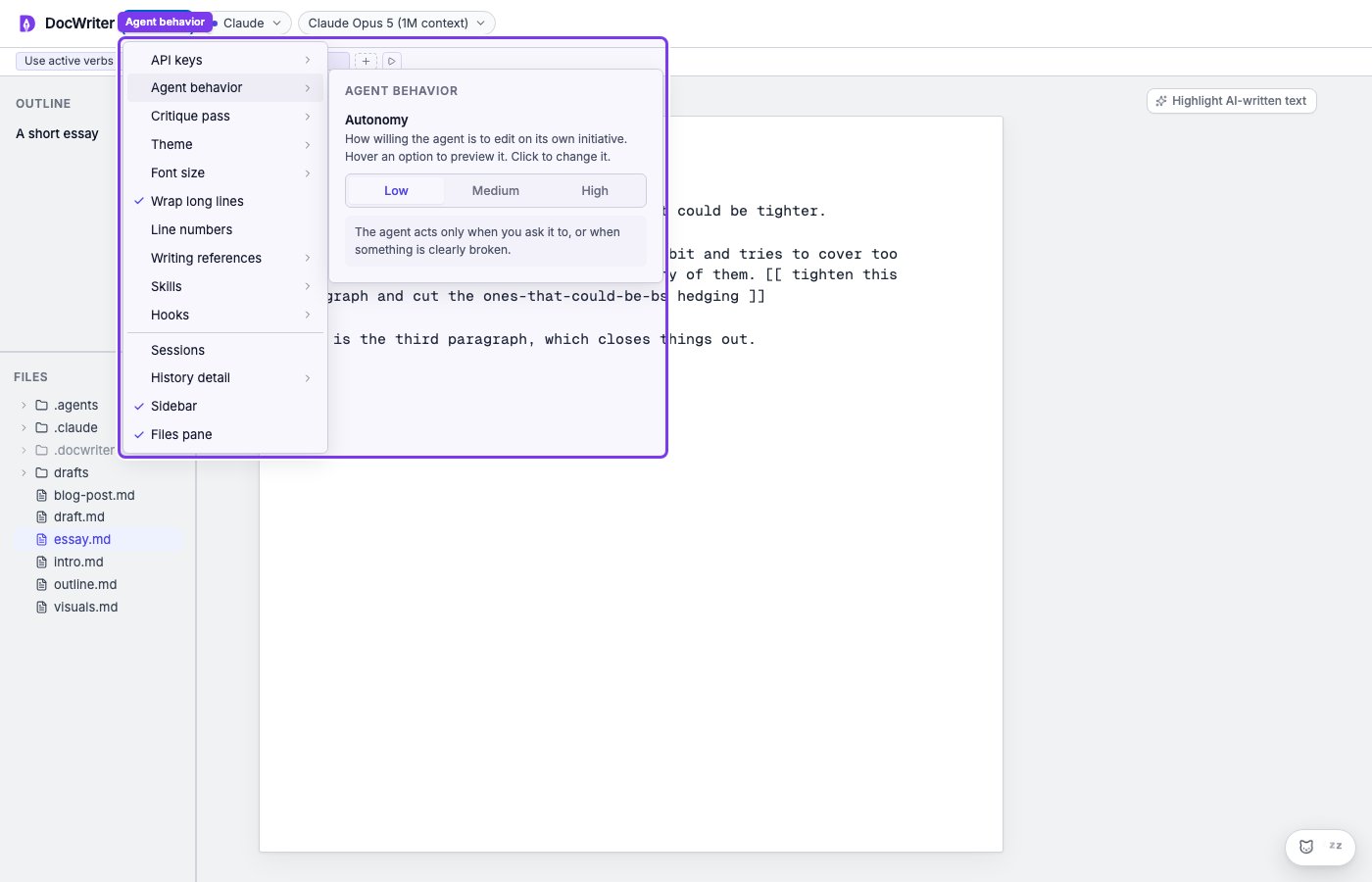
Open Settings, then Agent behavior. You can configure your agent’s autonomy. Autonomy describes what the agent can do without your explicit permission and how much it can do on its own.- Low waits for you to ask for a change. The agent may edit after an inline directive such as
[[ add a citation ]], feedback on selected text, a Chat request, or a reply in a comment thread. It may also fix an obvious problem such as a typo. Otherwise, it leaves the draft alone. - Medium includes everything in Low. The agent may also comment on something you wrote by opening one new comment thread during a turn. It can point out an unclear sentence or ask about a missing step, but it does not edit the text unless you ask.
- High includes everything in Medium. The agent may also propose a focused edit when it can name a specific problem, such as a repeated point, unclear reference, or broken transition. It should tighten the affected passage rather than rewrite the draft.
Pause or resume the agent
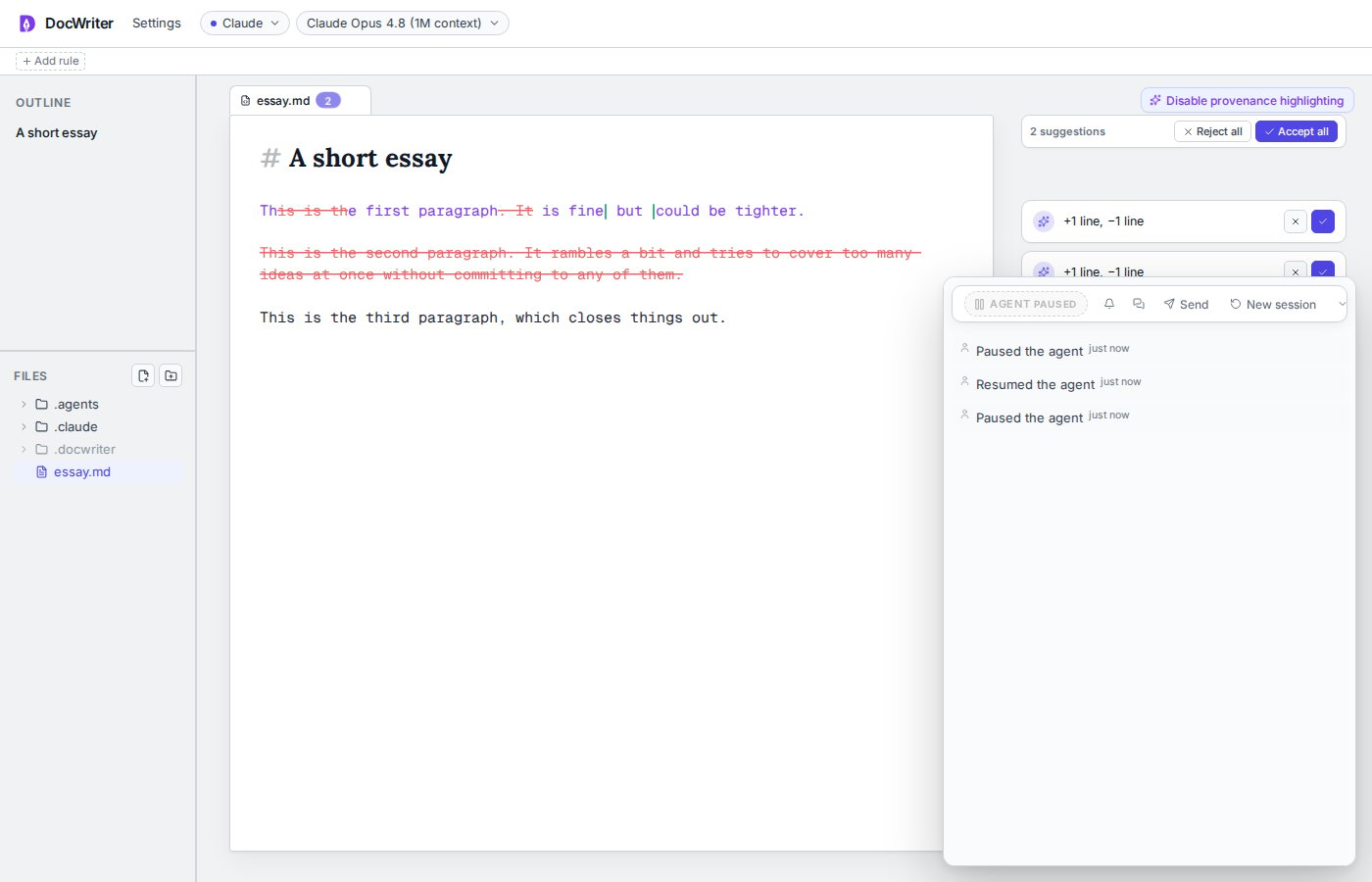
Double click the agent pill to pause or resume. When you pause, you cancel the current run, clear queued messages, and block automatic and manual requests until you resume.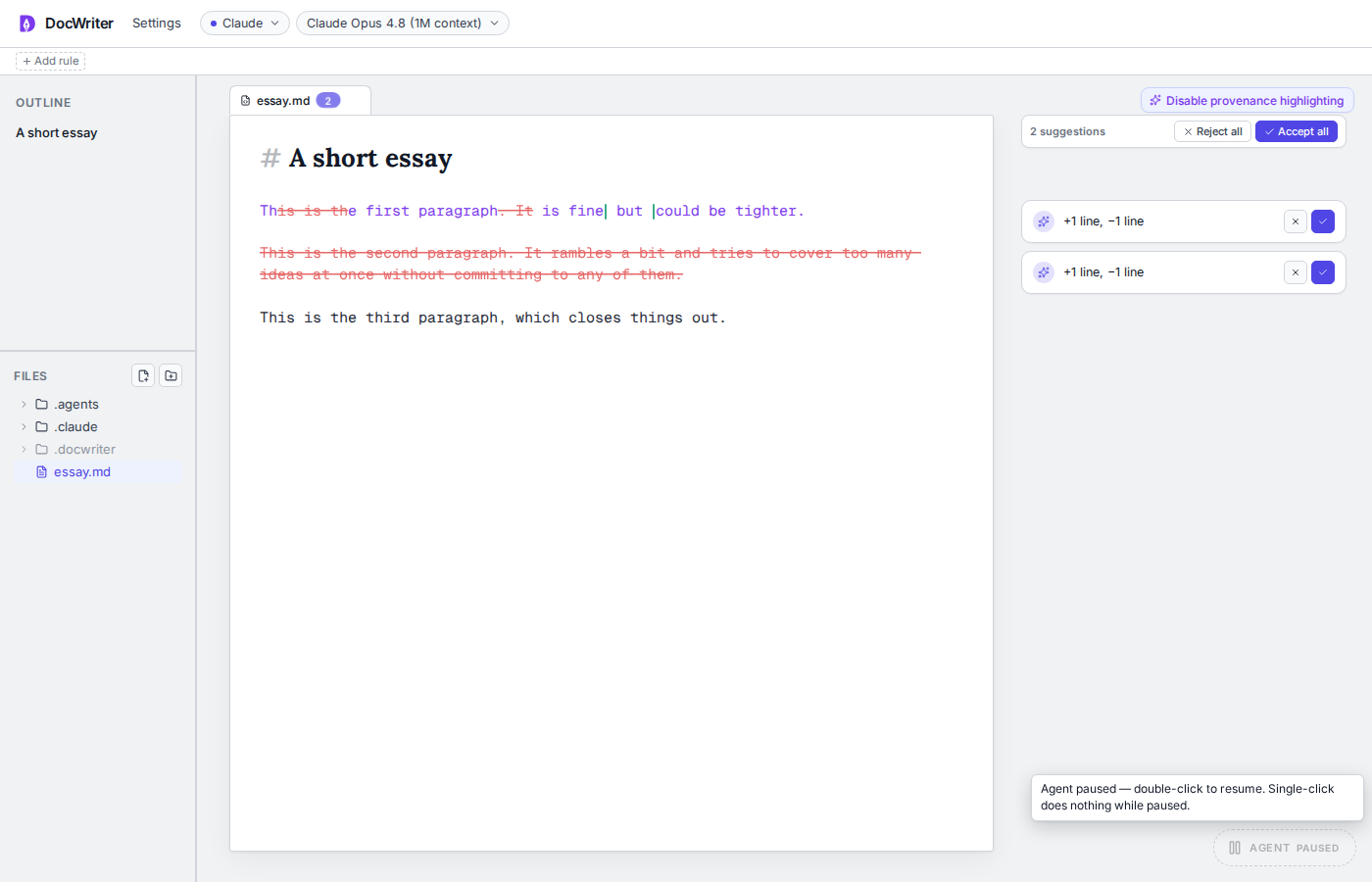
Cancel the current run
Click the active agent pill once to cancel the current run and clear its queued messages. The document changes you already accepted remain.Hide proposed changes
Use the bell control to hide proposal layers while the agent continues working. The pending reviews remain in the document, and you can show them again later. Hiding proposals does not accept or reject them. You cannot turn review off for edits to an existing document.Hide proposal layers, then show them again.